FALCON F
+ USER MANUAL
DCI DigiGuide 10.31.2022
DIGITAL CONTROL, INC 19
STEP 3 OF 5
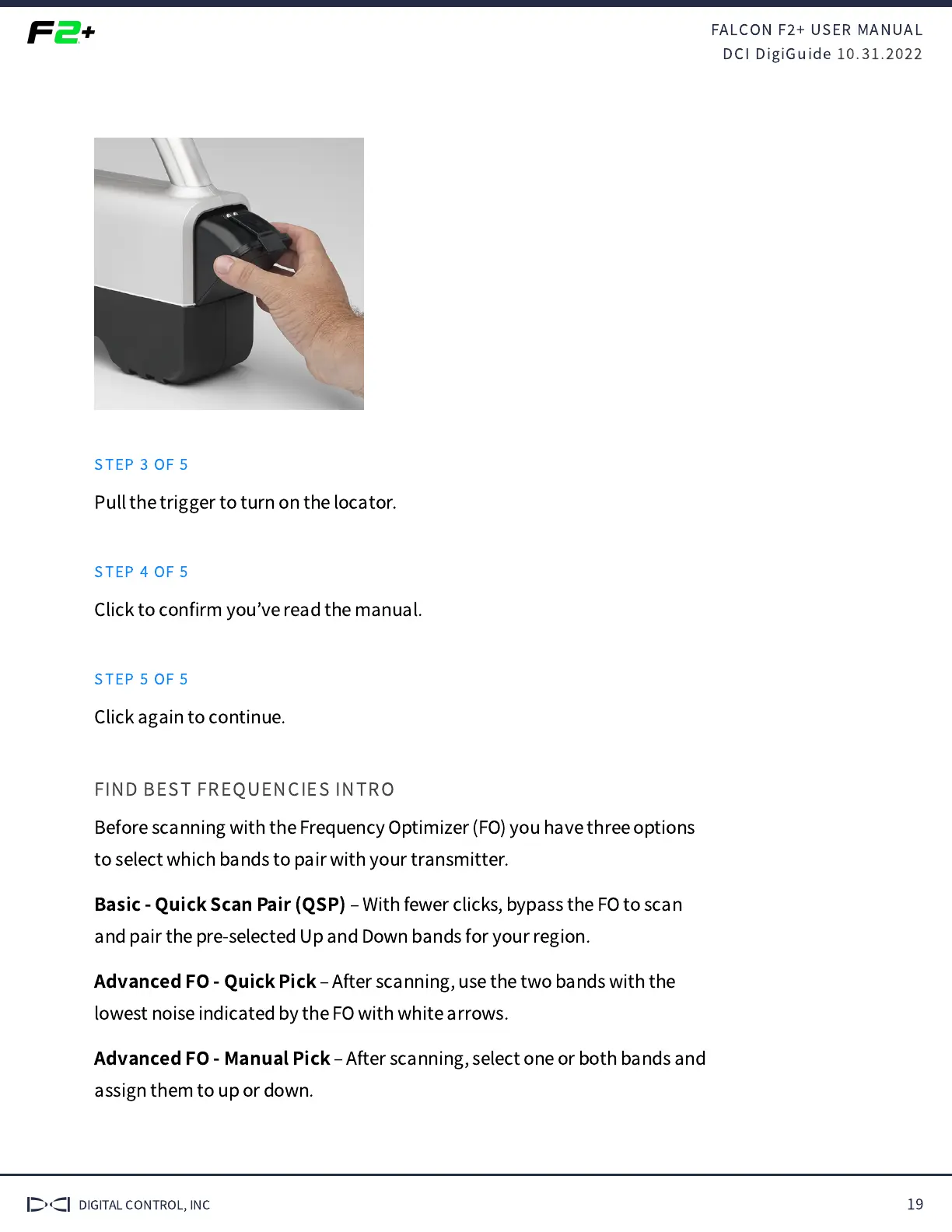
Pull the trigger to turn on the locator.
STEP 4 OF 5
Click to con
fi
rm you
’
ve read the manual.
STEP 5 OF 5
Click again to continue.
FIND BEST FREQUENCIES INTRO
Before scanning with the Frequency Optimizer (FO) you have three options
to select which bands to pair with your transmitter.
Basic - Quick Scan Pair (QSP)
‒
With fewer clicks, bypass the FO to scan
and pair the pre-selected Up and Down bands for your region.
Advanced FO - Quick Pick
‒
After scanning, use the two bands with the
lowest noise indicated by the FO with white arrows.
Advanced FO - Manual
Pick
‒
After scanning, select one or both bands and
assign them to up or down.



 To Next Page