FALCON F
+ USER MANUAL
DCI DigiGuide 10.31.2022
DIGITAL CONTROL, INC 22
STEP 7 OF 8
Click
Transmitter pairing
request.
Do not move the transmitter until you hear four beeps and a
check mark appears.
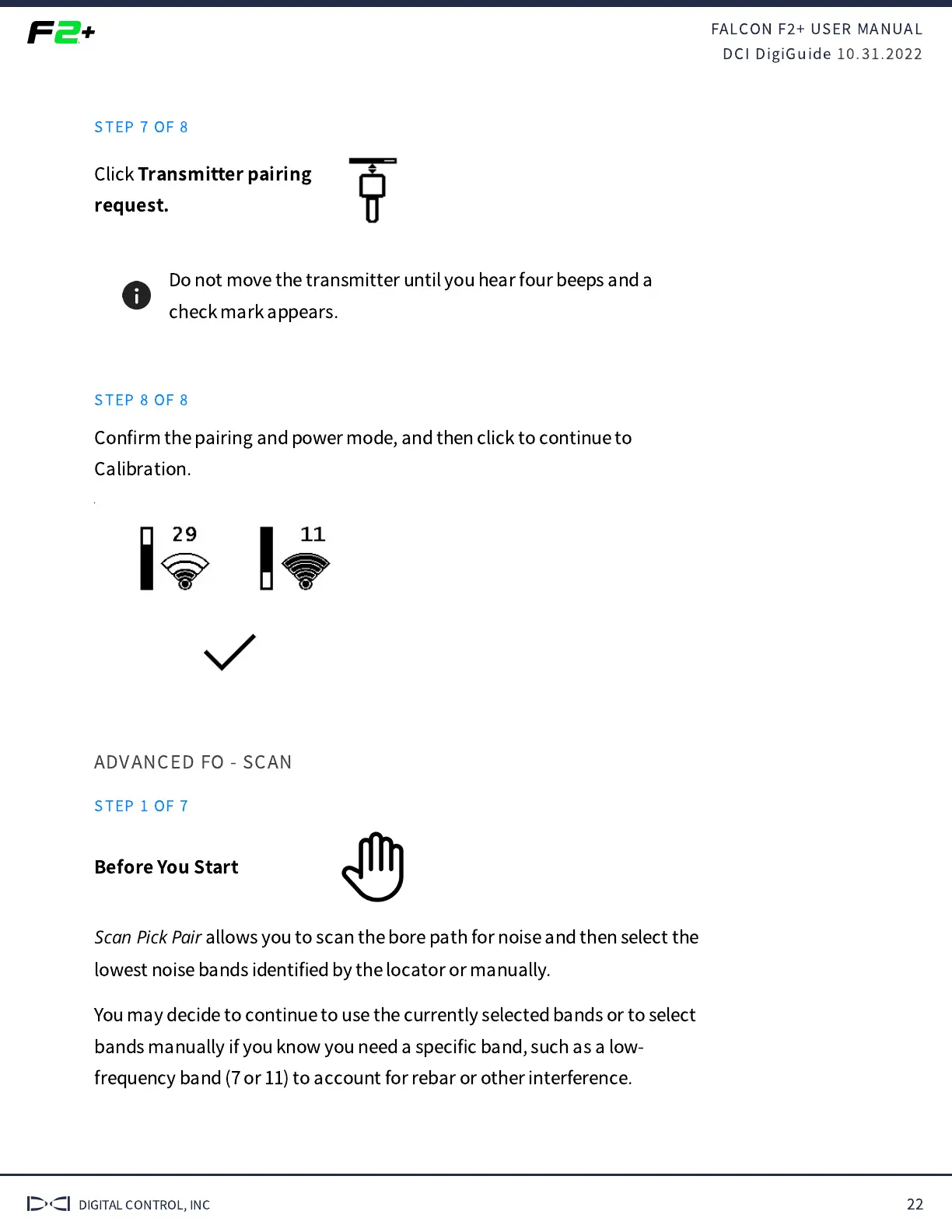
STEP 8 OF 8
Con
fi
rm the pairing and power mode, and then click to continue to
Calibration.
ADVANCED FO - SCAN
STEP 1 OF 7
Before You Start
Scan Pick Pair
allows you to scan the bore path for noise and then select the
lowest noise bands identi
fi
ed by the locator or manually.
You may decide to continue to use the currently selected bands or to select
bands manually if you know you need a speci
fi
c band, such as a low-
frequency band (7 or 11) to account for rebar or other interference.


 To Next Page
 Loading...