FALCON F
+ USER MANUAL
DCI DigiGuide 10.31.2022
DIGITAL CONTROL, INC 21
To change the pre-set bands and power levels, click the Quick
Scan/Pair option (the gear icon).
STEP 5 OF 8
Insert batter(ies) positive terminal
fi
rst and install the battery cap to power
on the transmitter.
STEP 6 OF 8
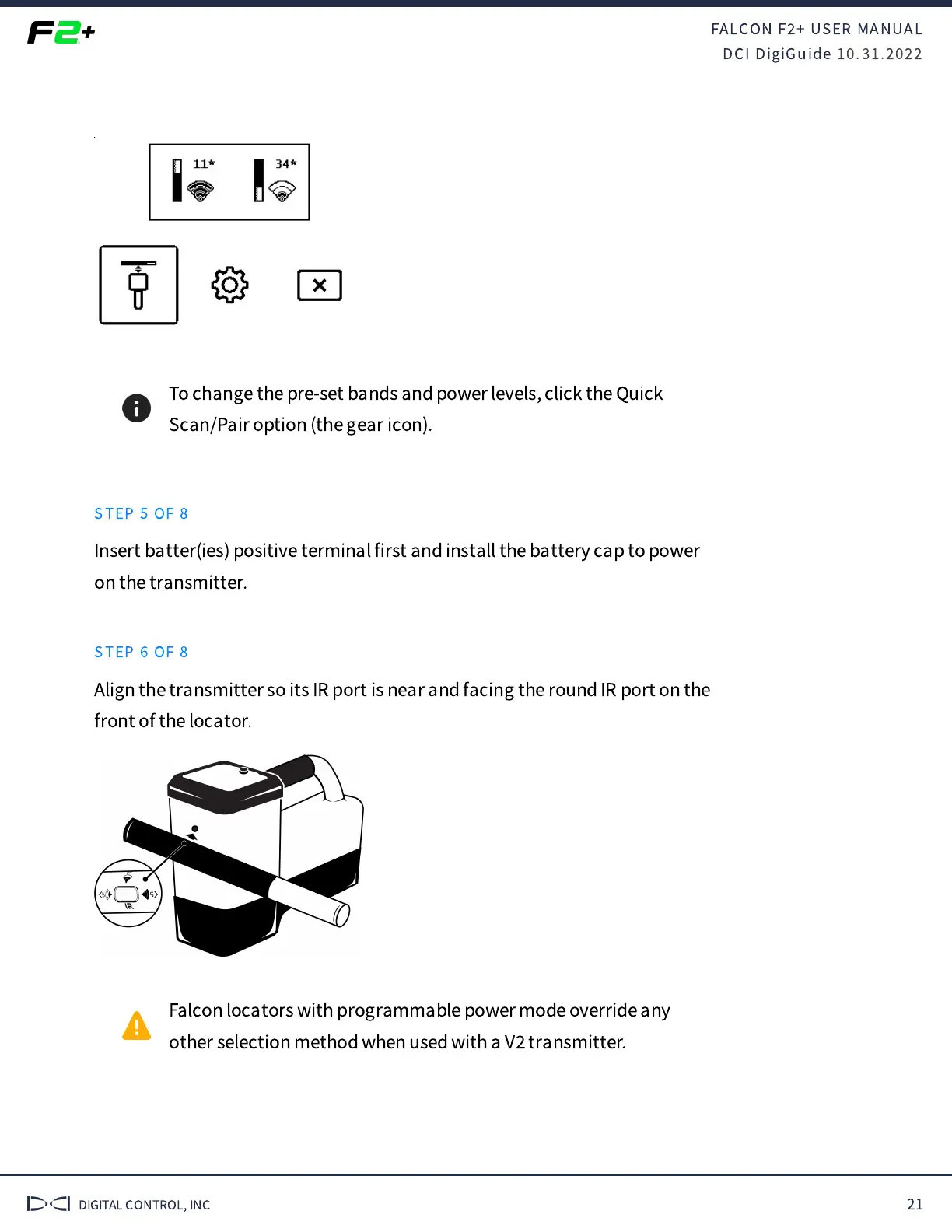
Align the transmitter so its IR port is near and facing the round IR port on the
front of the locator.
Falcon locators with programmable power mode override any
other selection method when used with a V
transmitter.



 To Next Page