STEP 2 OF 2
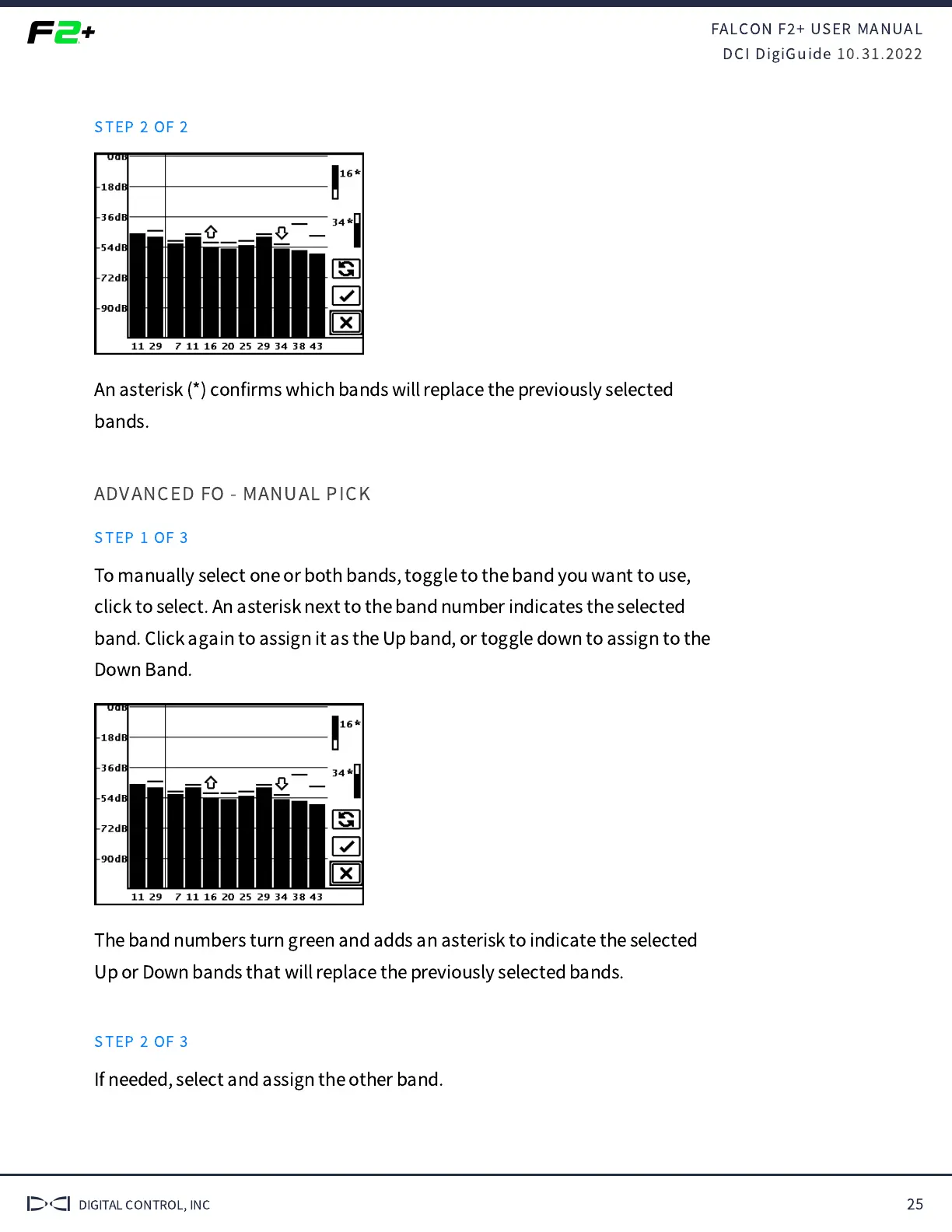
An asterisk (*) con
fi
rms which bands will replace the previously selected
bands.
ADVANCED FO - MANUAL PICK
STEP 1 OF 3
To manually select one or both bands, toggle to the band you want to use,
click to select. An asterisk next to the band number indicates the selected
band. Click again to assign it as the Up band, or toggle down to assign to the
Down Band.
The band numbers turn green and adds an asterisk to indicate the selected
Up or Down bands that will replace the previously selected bands.
STEP 2 OF 3
If needed, select and assign the other band.



 To Next Page