During Drilling
TURN ON HEIGHT-ABOVE-GROUND
STEP 1 OF 4
Things You Should Know
HAG must be turned on manually each time after the locator is powered on
or calibrated.
Target Steering assumes that the locator is on the ground, even
if standard HAG is enabled. If TrakStand HAG is enabled the
height set for the Trakstand is adjusted for Target Steering.
STEP 2 OF 4
From the
Main
menu, select
HAG
.
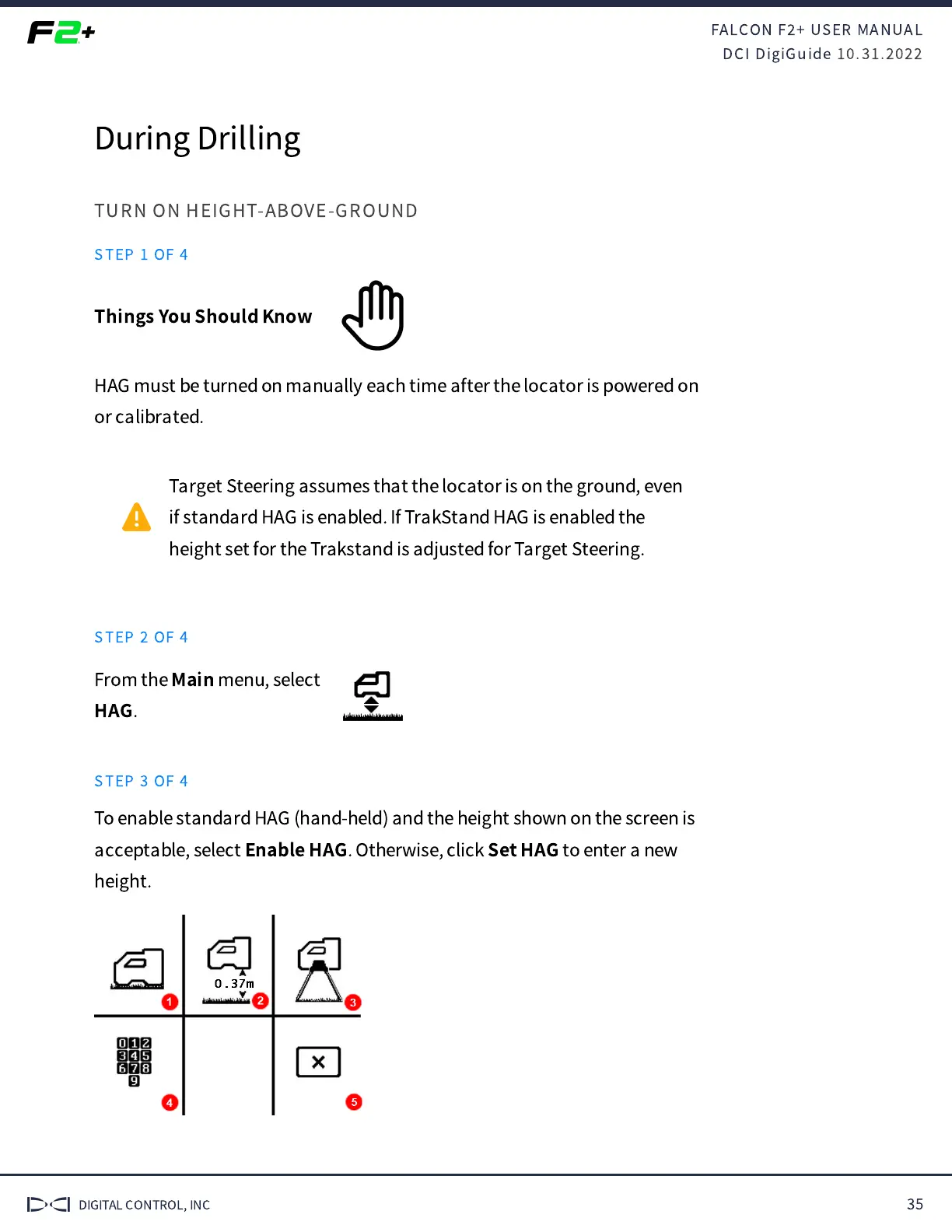
STEP 3 OF 4
To enable standard HAG (hand-held) and the height shown on the screen is
acceptable, select
Enable HAG
. Otherwise, click
Set HAG
to enter a new
height.



 To Next Page