FALCON F
+ USER MANUAL
DCI DigiGuide 10.31.2022
DIGITAL CONTROL, INC 36
2. Enable standard HAG
3. Enable TrakStand HAG
4. Set HAG
5. Cancel
The locator must be held at this height for accurate depth
readings and is ignored during Target Steering.
STEP 4 OF 4
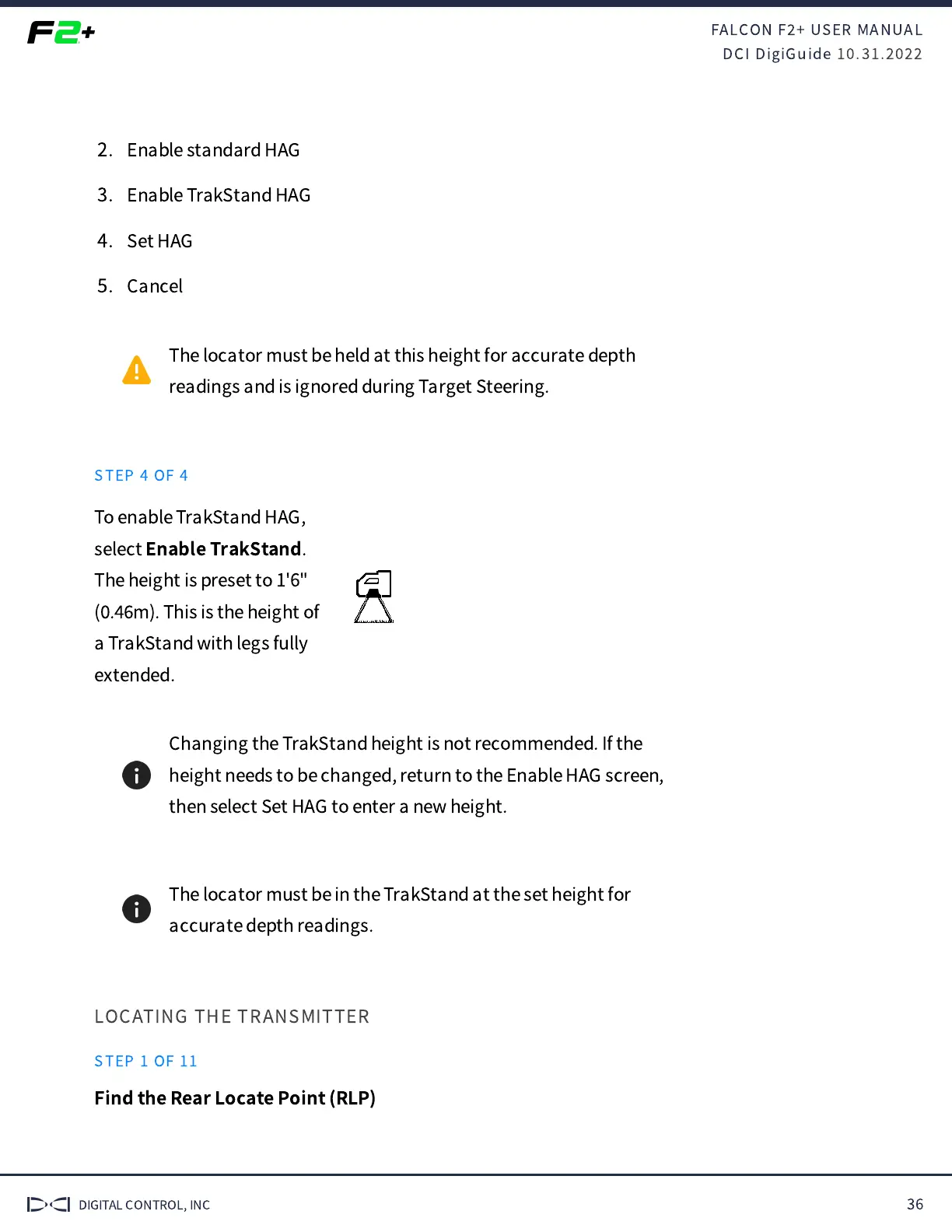
To enable TrakStand HAG,
select
Enable TrakStand
.
The height is preset to 1'6"
(
.
m). This is the height of
a TrakStand with legs fully
extended.
Changing the TrakStand height is not recommended. If the
height needs to be changed, return to the Enable HAG screen,
then select Set HAG to enter a new height.
The locator must be in the TrakStand at the set height for
accurate depth readings.
LOCATING THE TRANSMITTER
STEP 1 OF 11
Find the Rear Locate Point (RLP)


 To Next Page
 Loading...