STEP 7 OF 10
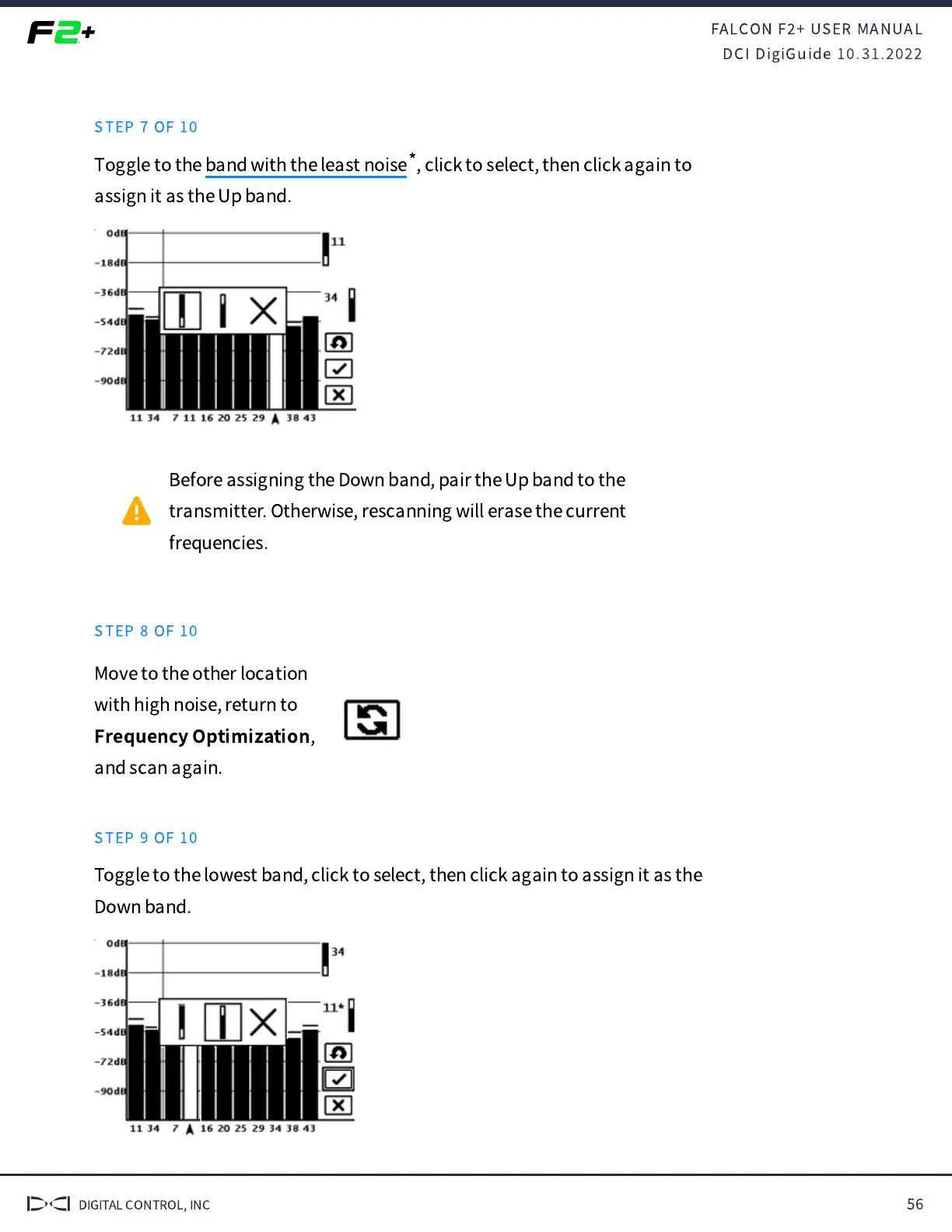
Toggle to the , click to select, then click again to
assign it as the Up band.
Before assigning the Down band, pair the Up band to the
transmitter. Otherwise, rescanning will erase the current
frequencies.
STEP 8 OF 10
Move to the other location
with high noise, return to
Frequency Optimization
,
and scan again.
STEP 9 OF 10
Toggle to the lowest band, click to select, then click again to assign it as the
Down band.
band with the least noise
*



 To Next Page