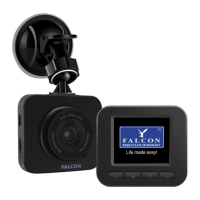
FalconEye 4G HD dual recorder
Manual
Power on:POWER light is on, when blue or green light
Press Mode button to switch as below:
3G/4G+AP mode:NET light green, blinking
WIFI+3G/4G mode:NET light red, blinking
After network dialing success, will continue to blink once per second, Upload server
success, will blink once every two seconds
REC/AP light is red and on: Video lost;
REC/AP light is green and on: SD exist;
REC/AP light is green and blinking slowly: Recording (Blinking once every 2 seconds)
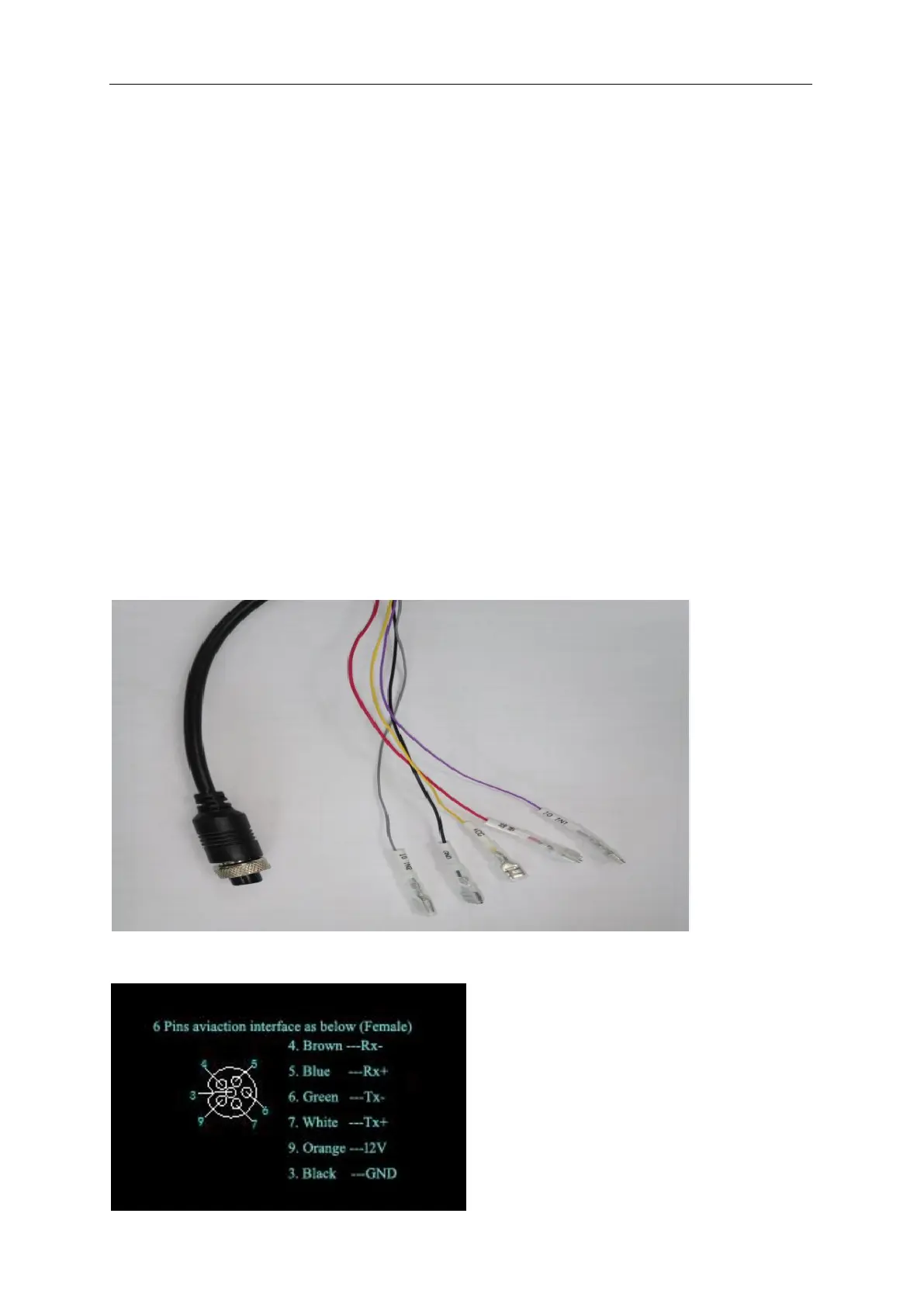
2.2-1:Cables definition: Two channels I/O input, ACC,
Power wiring with 2nd camera option cable conecting wire
6 pins aviation special IPC camera, second channel recording.
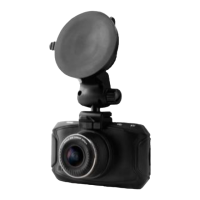
2.2-2:6 pin aviation interface definition: (As below)


 To Next Page