EasyManua.ls Logo

Falcon Prime 2 - Device Components and Button Functions; Part Identification; Button Functions Overview

Falcon Prime 2
12 pages
Print Icon
To Next Page IconTo Next Page
To Previous Page IconTo Previous Page
Loading...
3
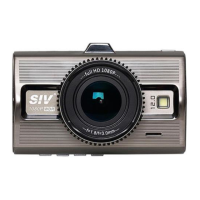
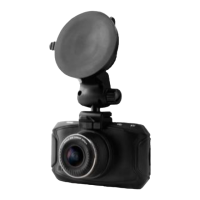
3. Part description
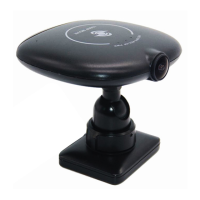
2. GPS/BV Outside Camera
1. Mini USB Power Source
3. AV-OUT
4. ON/OFF 5. OK/REC
6. RIGHT
7. LEFT 8. MENU
9. HDMI
10. SD card 11. Reset
12. MIC
13. Lens 14. LED Light
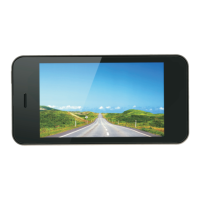
15. Screen
Button description
Button
Description
POWER ON/OFF
1. Short press to power on, long press to
power off
2.While powered on status, short press to
turn on LED light
OK
Stop Recording / Start Recording
MENU
Menu (M) button while recording
Long press SOS video lock Short
press MIC ON/OFF
Menu (M) button - short press While not recording
Gets to dash camera menu settings
LEFT
Move/ Switch display
RIGHT
Move / Take photo while recording
RESET
RESET

Other manuals for Falcon Prime 2

Related product manuals