EasyManua.ls Logo

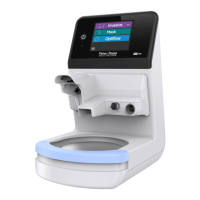
F&P 950 - Adult User Interface; Screen Navigation; Adult Mode Selection

F&P 950
218 pages
Print Icon
To Next Page IconTo Next Page
To Previous Page IconTo Previous Page
Loading...
A-6 ENGLISH
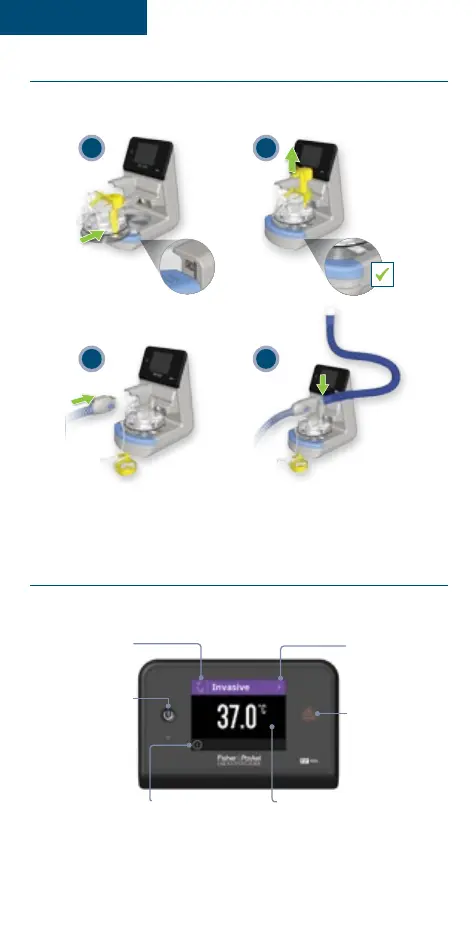
F&P 950 Respiratory Humidifier setup
Set up the breathing circuit as described in the user instructions provided with the
selected circuit kit�
43
1 2
When turning on the humidifier, an audible single beep sound should be heard
Adult user interface
SCREEN NAVIGATION
Mode banner
Displays current
mode�
Standby button
Turn standby on/
o� Disconnect
from power source
to de-power the
humidifier�
Drop-down menu
button
Access operating
mode�
Information button
Access information
and service menus
Estimated dew point
Estimated dew point
of the gas reaching
the patient�
Caution LED
Lights up solid orange
for >5 seconds when
a fault condition
occurs�