19
•Select “OTHER RECORDING” in the “Mode” op on.
•Press EXIT.
A few seconds before star
ng to record, a warning message with a count-down is displayed on screen,
which will change to the programmed channel when the count-down ends. Once the recording has
finished, a confirma
on message appears on screen.
To view the scheduled events, press the blue bu
on.
To delete a scheduled event, select the event and press the blue bu
on.
When recording is finished, both manua
l or program, it is possible to play it by pressing LIST bu
on on
remote control or browsing USB device contents by using REC menu (Menu/USB/Mul
media/REC).
The recording files can be deleted on this unit, you can go to the PVR, and press yellow bu
on to
delete it. It is also possible to rename the recording by using green bu
on on remote.
Note: contents management is possible only if window preview playback is not started (OK bu
on on
re
mote).
TV program is recorded in PVR format (.mts), which can be played from this product, or from a
computer with the appropriate so
ware (for ex, VLC), but it cannot be played by a normal DVD player.
For recording the high defini
on TV programs, the version of USB device should be 2.0HIGH SPEED or
above, otherwise the unit may cannot record the HD programs correctly.
Note:
Scheduled recording only works when the unit power is on, it cannot work
when the unit is standby.
Note:
-We cannot guarantee compa
bility (opera on and/or bus power) with all USB mass storage devices
and assume no responsibility for any loss of data that may occur when connected to this unit.
-With large amounts of data, it may take longer for the system to read the contents of a USB device.
-Some USB devices may not be properly recognized.
-Even when they are in a supported format, some files may not play or display depending on the
content.
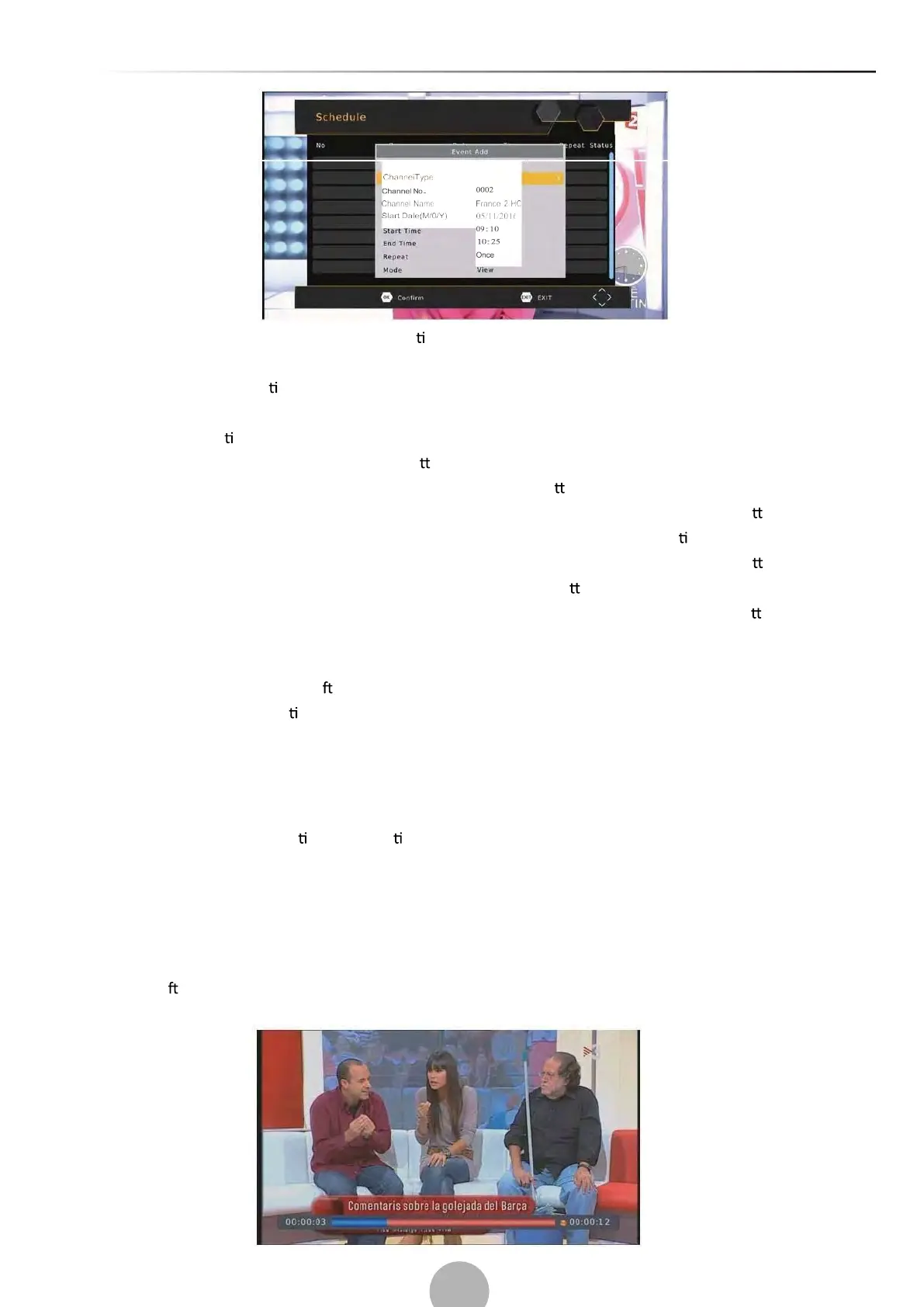
(b). Timeshi


 To Next Page
 Loading...