5
2. S/PDIF optical audio output
3. Video output (composite)
4. Audio (left stereo channel)
9. 5V DC IN power connection
5. Audio (right stereo channel)
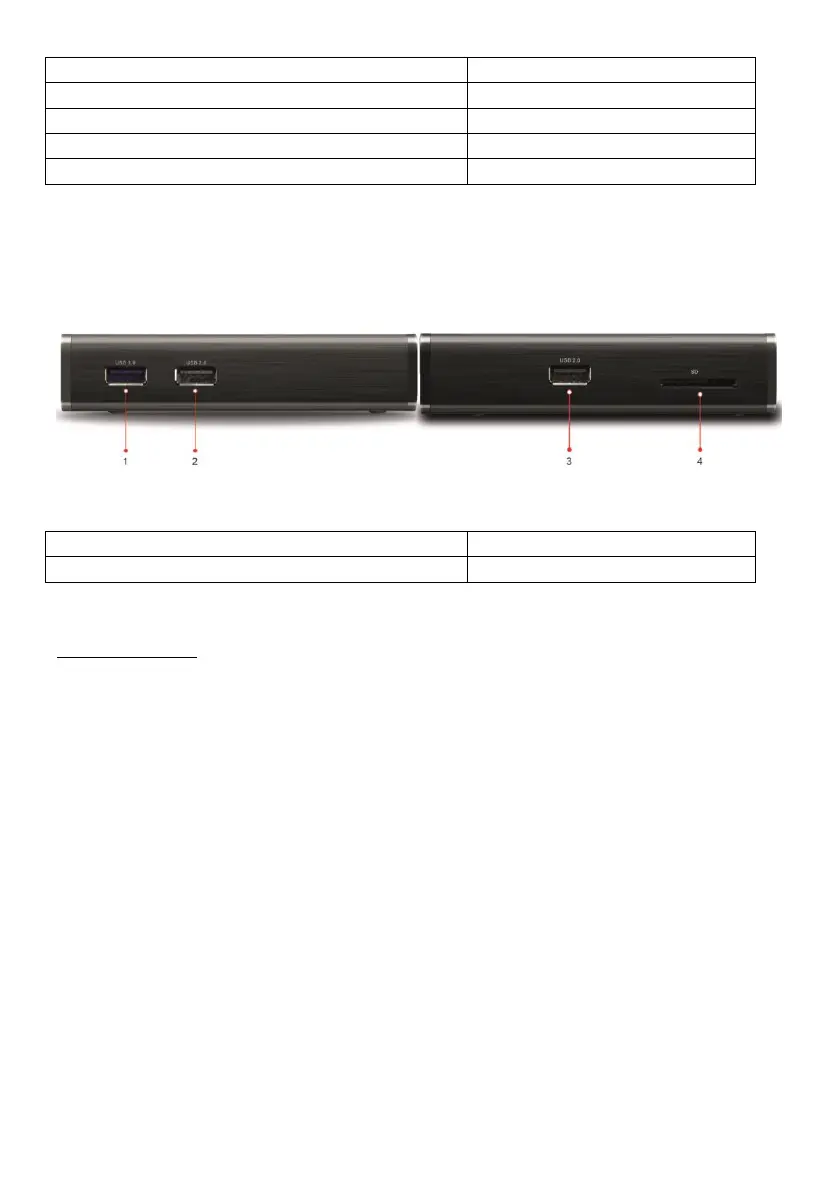
Seitenansicht
1.5 Connection
Make the wished audio and video connections with your entertainment system. The
easiest way is with an HDMI cable, as on this cable usually image and sound are
transmitted from the player to the TV.
Once you have the power supply, the player will usually turn itself on automatically (this
behaviour can be turned off in the Android settings under „HDMI settings“ → „START
MODE“)
Insert the batteries into the remote control to operate the player.



 To Next Page