8
2. Operating instructions
2.1 Remote control
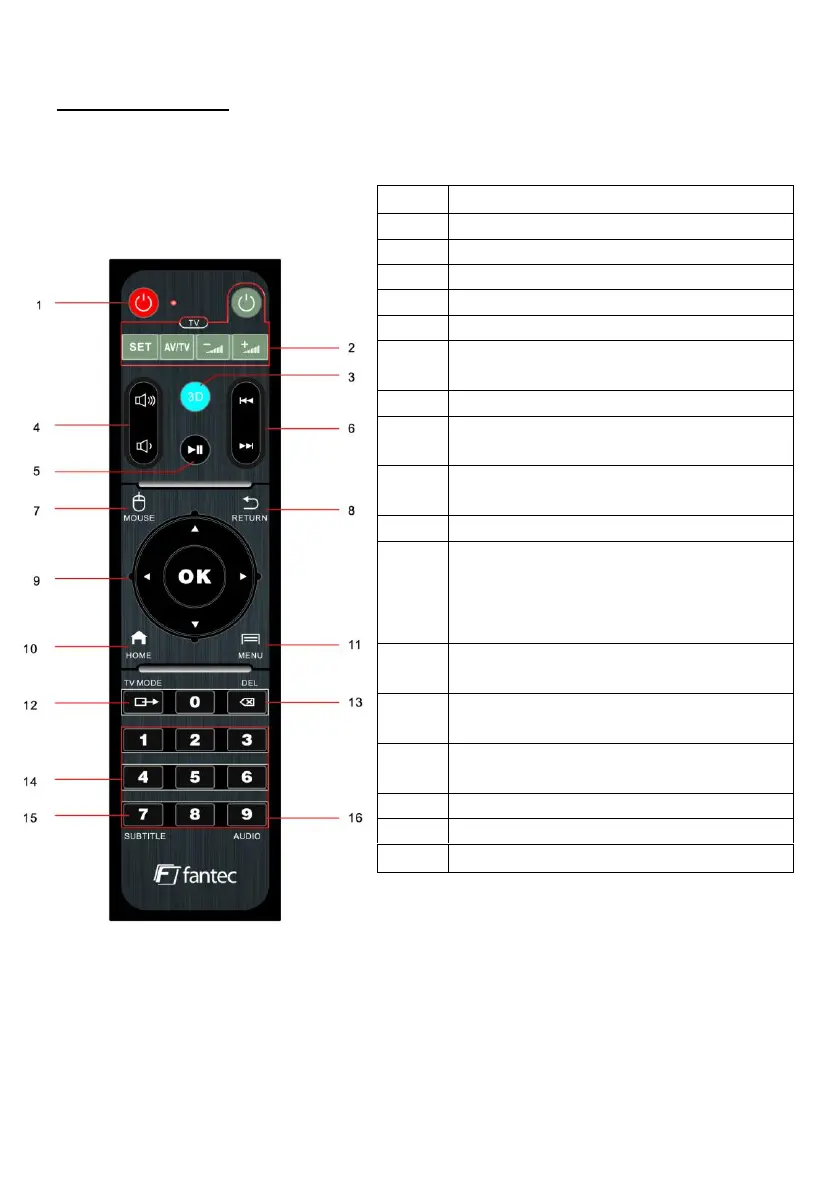
Below you will find details on the key assignment and the functions:
Switch the device on or off
Decrease or increase the volume
Call next / previous file or jump
forward / backward
Activates the screen mouse
Return to the previous menu or exit
from the running APP / application
Use the arrow keys to select menu
options, press OK to confirm
Call options menu, if supported by the
respective APP.
Show / hide option menu during
playback.
Switching between NTSC, PAL, 480P,
576P, 720P, 1080i/P, 21060P
Delete, if supported by the APP /
application
Enter channel numbers or numerical
values directly
Switch soundtrack (movie language)



 To Next Page