4. Product Usage
4.1 Browse and Play the Media Files
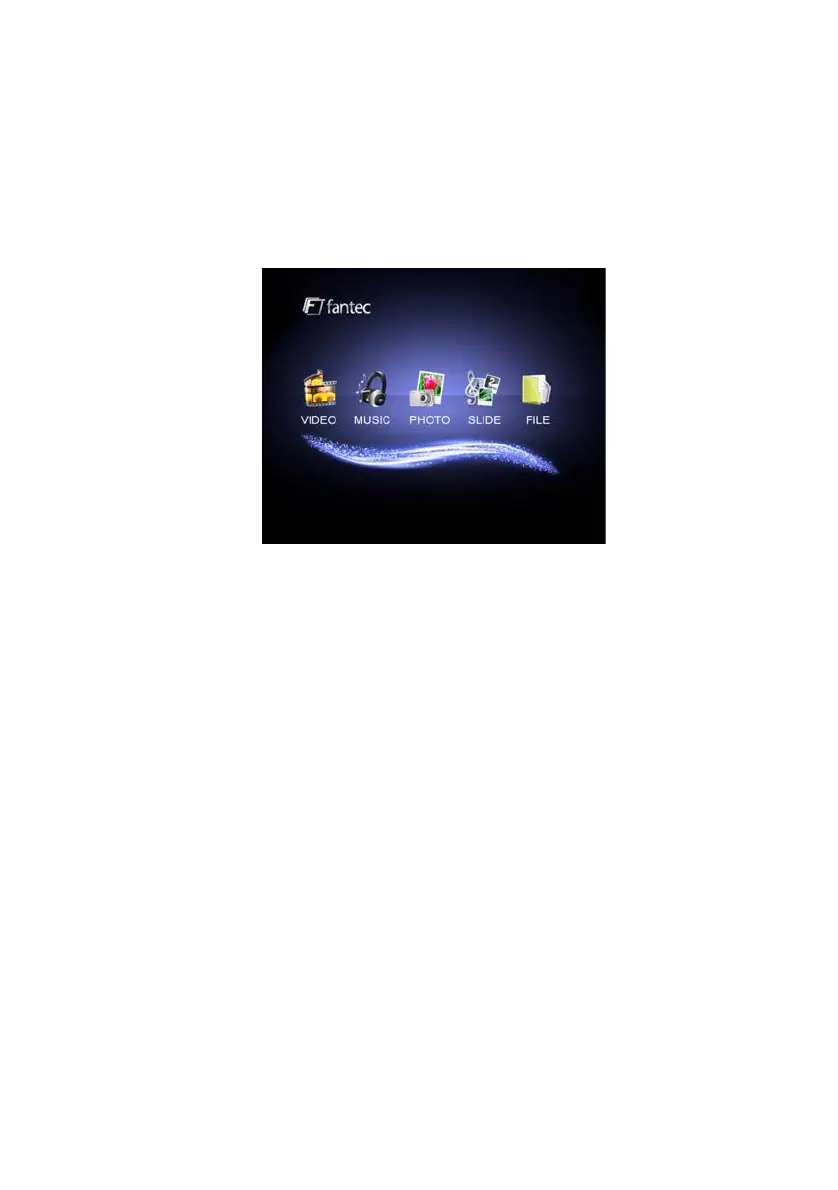
When you turn on the player, you get to the main menu.
The five main options “VIDEO”, “MUSIC”, “PHOTO”, “SLIDE” and “FILE” are
displayed.
You can choose one option by using the arrow-buttons and pressing “ENTER”.
Navigation via “FILE” menu is recommended.
VIDEO: All video files on the player were displayed in a list, ordered by
name.
MUSIC: All music files on the player were displayed in a list, ordered by
name.
PHOTO: All photos on the player were displayed in a list or as
a digest (can be set in the setup menu).
SLIDE: A slideshow with the pictures on your player starts.
FILE: All media files on the player were displayed. The directory structure
is kept.
To start the playback of one file you simply have to mark it with the arrow
buttons and then press “PLAY” or “ENTER”.
EN 11 / 17



 To Next Page