3.9.2 Watch DVB-T TV programs
Select the DIGITAL TV icon on the main menu to enter the DVB-T TV mode.
The following buttons on the remote control are available when watching Digital TV programs.
z Enter: Press to view the program list menu.
z Up / Down, Prev / Next: Press to switch channels. (Channels cannot be switched in the
recording mode!)
z Numeric buttons: Press to input channel numbers. Press the enter button to confirm.
z REC: Press to start recording the current TV program. Press 2x to hide the REC icon.
z STOP: Press stop to stop the record.
z TIME SHIFT: Press to activate the time shift function.
z EPG: Press to activate the EPG menu if available.
z TTX: Press to activate the Teletext menu if available. Press return to close the Teletext.
z Blue: button: Press to edit scheduled recordings.
z SETUP: Press to enter the DVB-T setup menu.
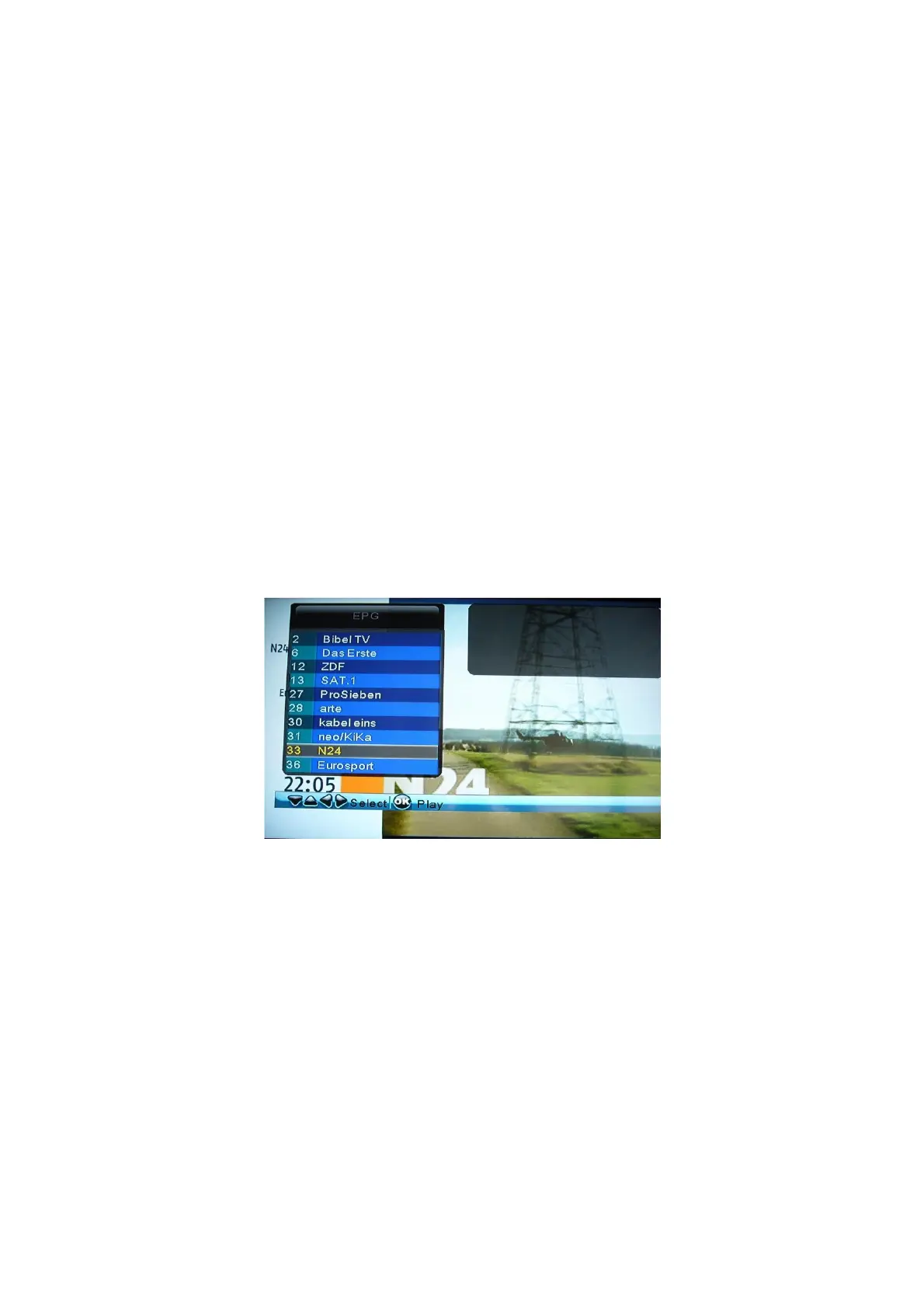
3.9.2.1 Program List Menu
Press the enter button when watching DVB-T TV programs, and the program list menu with
the program number and channel name will be displayed.
Press the Up / Down button to select channels, and press the enter button to confirm.
EN 24 / 31



 To Next Page