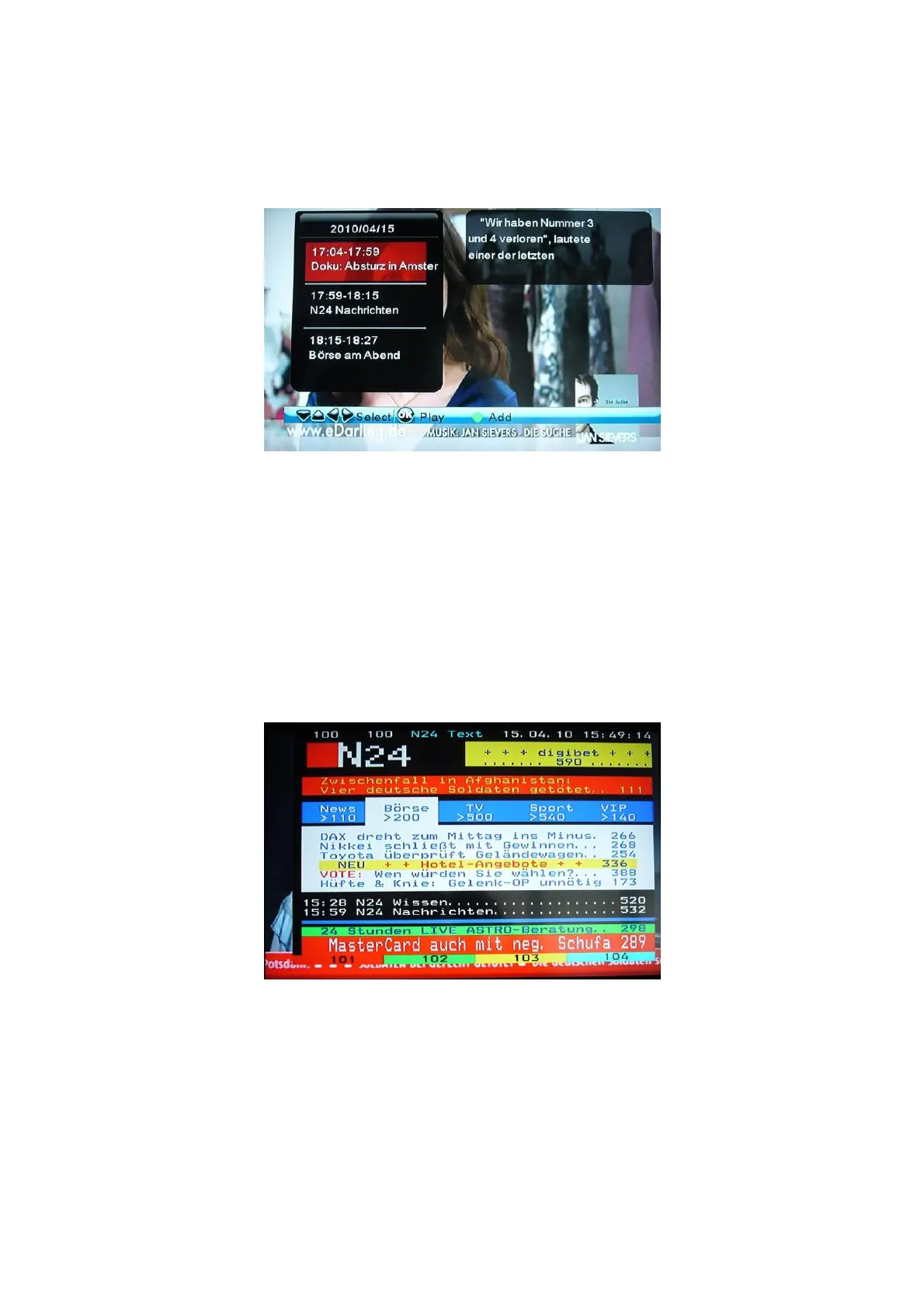
3.9.2.2 Electronic Programming Guide (EPG)
Press the EPG button when watching DVB-T TV programs and the Electronic Programming
Guide will be displayed.
Press the Up / Down button to change channels. Press the Left / Right button to enter the
n
portant:
the current time by pressing EPG button under DTV menu. If the time is not
.9.2.3 Teletext Menu
nel supports Teletext, press the TTX button to enter the Teletext menu.
program menu. Press the Up / Down button to change program. Press the Green/Red butto
to add / delete scheduled recording.
Im
You can see
correct, please change the time zone in DTV setup settings.
3
If the broadcasted chan
Press return to close the Teletext.
EN 25 / 31



 To Next Page