4 The Use of PC Software
The camera supports upgrade, preview and parameter setting through PC software
developed by Fanvil.
4.1 Introduction to Software
USB Camera Tools is an application that installed on the PC ,which can find the
camera and manage the camera.It can preview images, capture images, upgrade
versions, and set camera parameters.
4.2 Preview
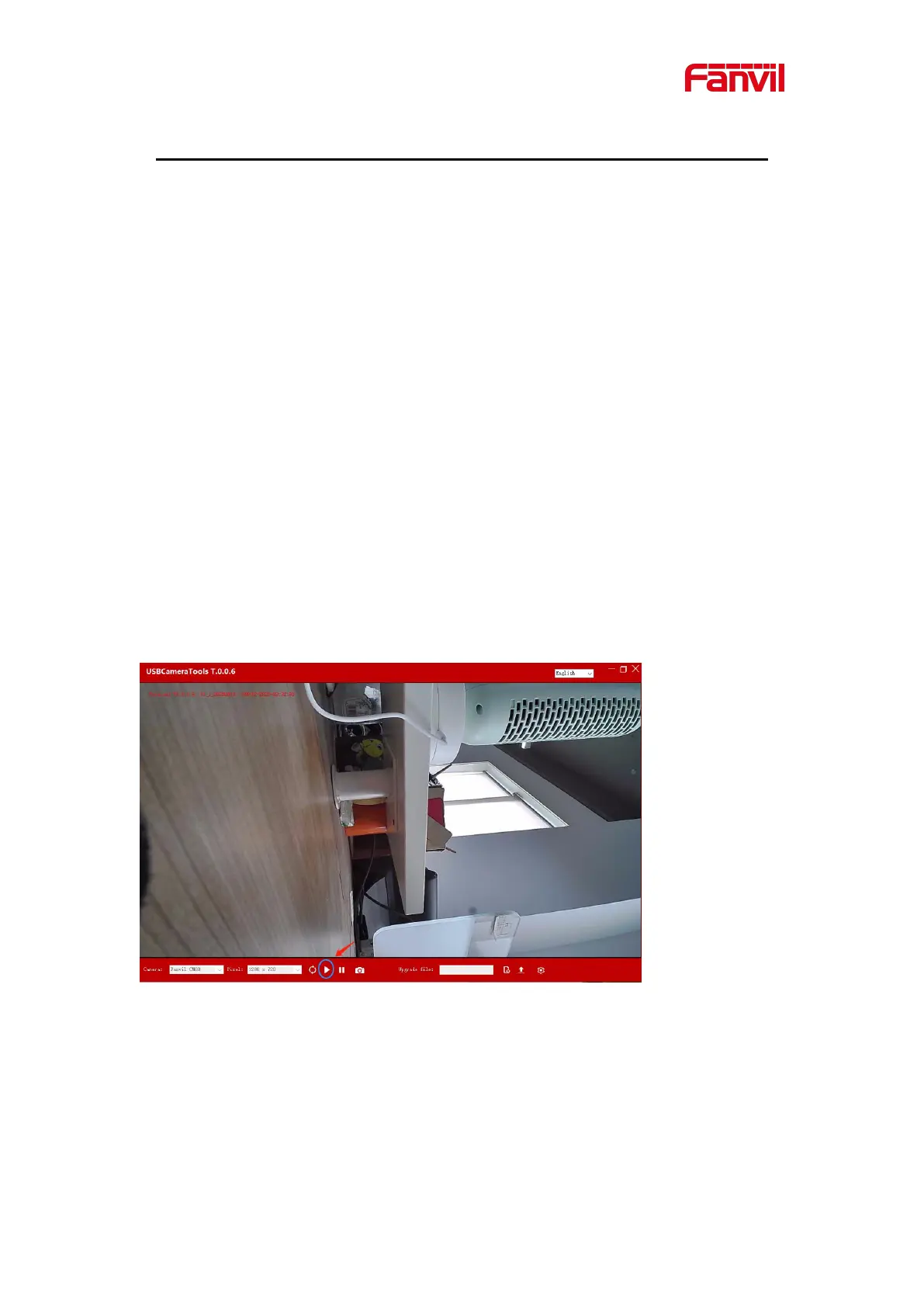
Plug the USB camera into the USB port of the PC. Double click on the PC to open
USB Camera Tools, and click the start button below the software to preview the
camera image.
The red arrow in the figure points to the start button.


 To Next Page