4
FAQ
™
SWISS APP
The FAQ
™
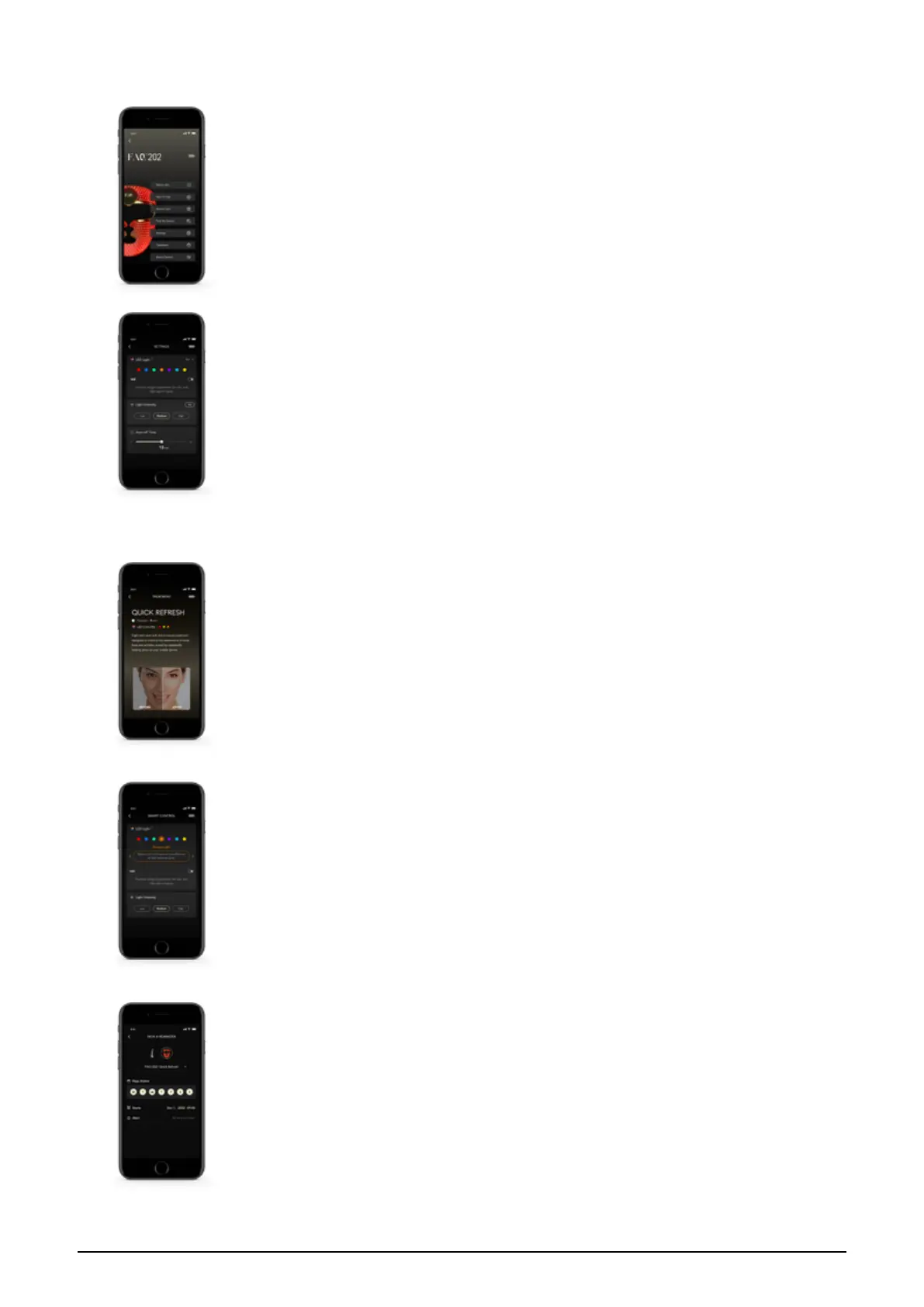
Swiss app offers instructions on how to use and take care of your FAQ
™
Silicone
LED Mask. You can also use it to control settings and access video-guided routines.
SETTINGS
Set your preferences for LED light and treatment duration, and the the device will
remember them for offline use:
LED LIGHT
Select your preferred LED light color. Then select whether you would like to add near-
infrared LED to your treatment by clicking on the toggle button next to NIR.
LIGHT INTENSITY
Select your preferred intensity by choosing between Low, Medium or High.
AUTO-OFF TIME
Select how long you would like your treatment to last for by using the sliding scale.
TREATMENTS
Choose from one of our pre-programmed treatments to target specific skin concerns, and
simply follow the guided video.
SMART CONTROL
Use this part of the app as a remote control to adjust your preferences during your
treatment.
SET REMINDER
Like an alarm for your skincare regime, you can get reminders when it's time for your next
treatment. Select the treatment that you would like to set a reminder for. Then select which
days you would like to receive reminders.


 To Next Page