ENGLISH
GB-14
OPERATION INSTRUCTIONS
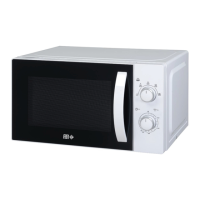
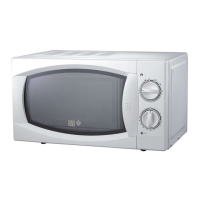
is microwave oven uses modern electrical controls to adjust cooking parameters to
your needs for better for cooking.
1. Clock setting
When the microwave oven is plugged in, it will display “0:00” and the buzzer will
sound once.
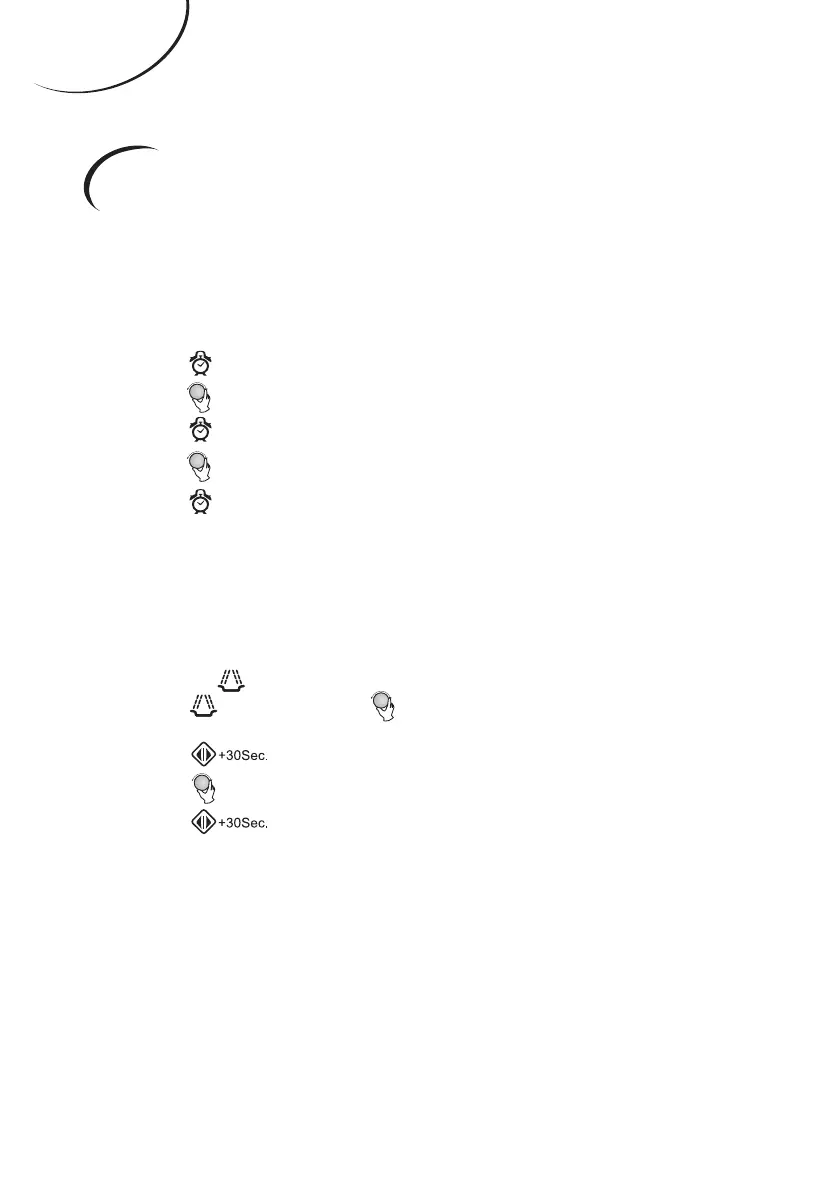
(1). Press “ ”; the hour gure will ash.
(2). Turn “ ” to adjust the hour gures. e gures given will be between 0 and 23.
(3). Press “ ”; the minute gures will ash.
(4). Turn “ ” to adjust the minute gures. e gures given will be between 0 and 59.
(5). Press “ ” to nish setting the clock. “:” will ash.
Note:
(1). If the clock is not set, it will not function when switched on.
(2). When setting the clock, if no adjustments are made within in 1 minute, the oven
will automatically return to its previous status.
2. Microwave cooking
(1). Press the “ ” key once, and “P100” displays.
(2). Press “ ” four times or turn “ ” to select the microwave power.
“P100”,“P80”,“P50”, “P30” or “P10” will display in order.
(3). Press “ ” to start.
(4). Turn “ ” to adjust the cooking time (the time setting should be 0:05 - 95:00).
(5). Press “ ” to start cooking.
Note: the graded quantities for the adjustment time coding switch are as follows:
0 - 1 min: 5 seconds
1 - 5 mins: 10 seconds
5 - 10 mins: 30 seconds
10 - 30 mins: 1 minute
30 - 95 mins: 5 minutes



 To Next Page