EasyManua.ls Logo

Farenheit Car Multimedia System - User Manual

Farenheit Car Multimedia System
46 pages
Print Icon
To Next Page IconTo Next Page
Loading...
Operating Manual
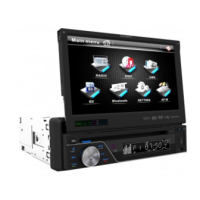
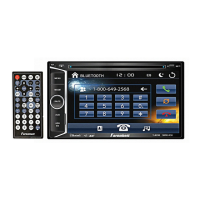
7” Wide Touch Screen
EXACT Double-Din In-Dash Motorized TFT Monitor/DVD/AM/FM

Other manuals for Farenheit Car Multimedia System

Questions and Answers

  • B
    Brandon SolomonAug 14, 2025
    Why is there no or low audio output from my Farenheit Car Video System?
    • P
      Philip ClarkeAug 14, 2025
      If your Farenheit Car Video System has no or low audio output, the cause may be improper audio output connection, volume set too low, damaged speakers, heavily biased volume balance or speaker wiring in contact with metal part or car. Check the wiring and correct it.
  • M
    Mary CollinsAug 17, 2025
    How to fix a Farenheit Car Video System remote control that does not work?
    • C
      Cody RandallAug 18, 2025
      If the remote control for your Farenheit Car Video System is not working, it may be due to a depleted battery or the battery being installed incorrectly. Replace the battery with a new one.
  • M
    marquezdouglasAug 20, 2025
    Why does my Farenheit Car Multimedia System Car Video System reset when the engine is off?
    • S
      Steven CoxAug 21, 2025
      If your Farenheit Car Video System unit resets itself when the engine is off, it is likely due to an incorrect connection between the ACC and positive battery wire. Check the wiring and correct it.
  • Y
    yvaldezAug 25, 2025
    What to do if my Farenheit Car Video System cannot insert disc?
    • M
      Madeline MartinezAug 26, 2025
      If your Farenheit Car Video System cannot insert a disc, it is likely because there is already a disc inside the unit. Eject the current disc and then insert the new one.
  • G
    Gail OlsenAug 28, 2025
    Why is there no repeat or searching while playing VCD on my Farenheit Car Multimedia System?
    • J
      jessicabrownAug 28, 2025
      If you cannot use repeat or searching while playing a VCD on your Farenheit Car Video System, the PBC (Playback Control) function is likely turned on. Turn PBC off.
  • M
    Manuel YoungSep 1, 2025
    Why did an interruption occur during playback on my Farenheit Car Multimedia System?
    • C
      Cheyenne TaylorSep 1, 2025
      If an interruption occurred during playback on your Farenheit Car Video System, it is likely because the disc is dirty or scratched. Clean the disc or replace it.
  • G
    griffithjuliaSep 5, 2025
    What does 'Loading' mean on my Farenheit Car Video System?
    • S
      Sydney CollinsSep 5, 2025
      If your Farenheit Car Video System displays 'Loading', it means the disc is currently being read.
  • L
    Linda HuntSep 8, 2025
    What does 'Error' mean on my Farenheit Car Video System and how to fix it?
    • K
      Kevin SmithSep 9, 2025
      If your Farenheit Car Video System shows 'Error', it suggests an illegal mechanism operation. Press the EJECT key for 5 seconds to reset the loading mechanism.

Summary

Safety Information

Unit Installation

Unit Removal

Wire Connection

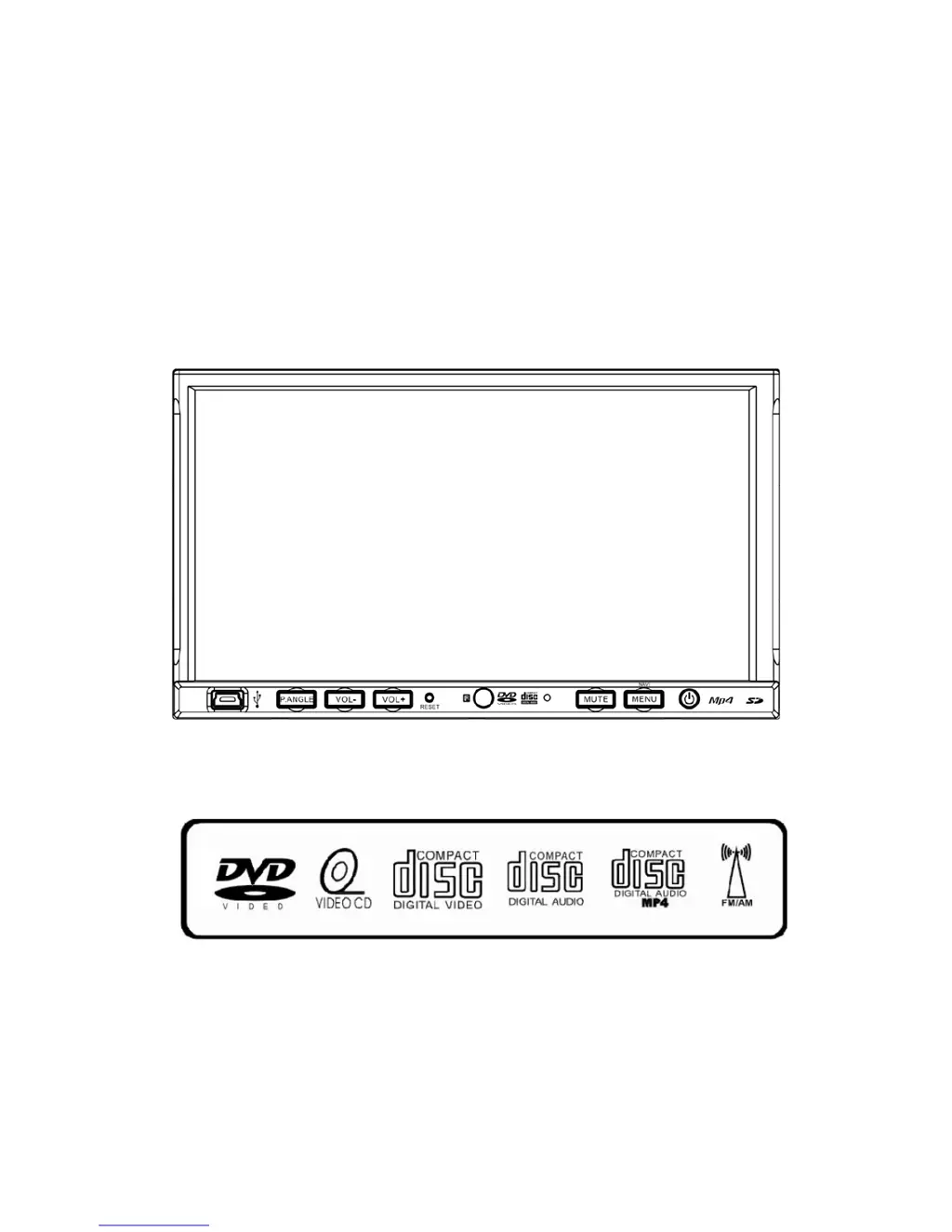
Front Panel

Front Panel Button Identification

Identifies buttons like MINI USB, P.ANGLE, VOLUME, RESET, MUTE, MENU.

Rear Panel

Rear Panel Connection Ports

Details radio antenna, iPod, IR repeater, and 16-pin socket connections.

Remote Control

Remote Control Buttons Overview

Lists and describes all buttons on the remote control.

Remote Control Function Details

Explains specific remote button operations like POWER, MUTE, NUMBERS, MENU.

Touch Screen Operations

Touch Screen Calibration Procedure

Steps to calibrate the touch screen for accurate input.

Radio Operations

Stored Radio Stations and Frequency Tuning

How to store, recall, and tune radio frequencies using SEEK and BAND.

Radio Tuning and Scanning Functions

Using DOWN, UP, LOCAL, and NEXT PAGE for radio scanning and tuning.

DVD Operations

Basic DVD Playback Controls and Navigation

Controls for navigating tracks, play/pause, stop, fast forward/reverse.

USB Operations

SD Card Operations

iPod Operations

NAVI Operations

System Setup

System Setup Menu Navigation and Parameters

Accessing and navigating main system setup menus like SYSTEM, VIDEO, AUDIO, CLOCK.

DVD Setup Menu

DVD Setup Menu Navigation and Core Sections

Navigating DVD setup menus like SYSTEM, VIDEO, LANGUAGE.

Trouble Shooting

General Unit and Remote Control Troubleshooting

Addresses problems like unit not powering on and remote control issues.

Disc Playback Issues and Error Messages

Farenheit Car Multimedia System Specifications

General IconGeneral
TouchscreenYes
DVD PlayerYes
BluetoothYes
USB InputYes
SD Card SlotYes
AM/FM RadioYes
Backup Camera InputYes
Steering Wheel Control CompatibleYes
GPSYes
Rear Camera InputYes

Related product manuals