EasyManua.ls Logo

Farenheit TID-893 - User Manual

Farenheit TID-893
26 pages
Print Icon
To Next Page IconTo Next Page
Loading...
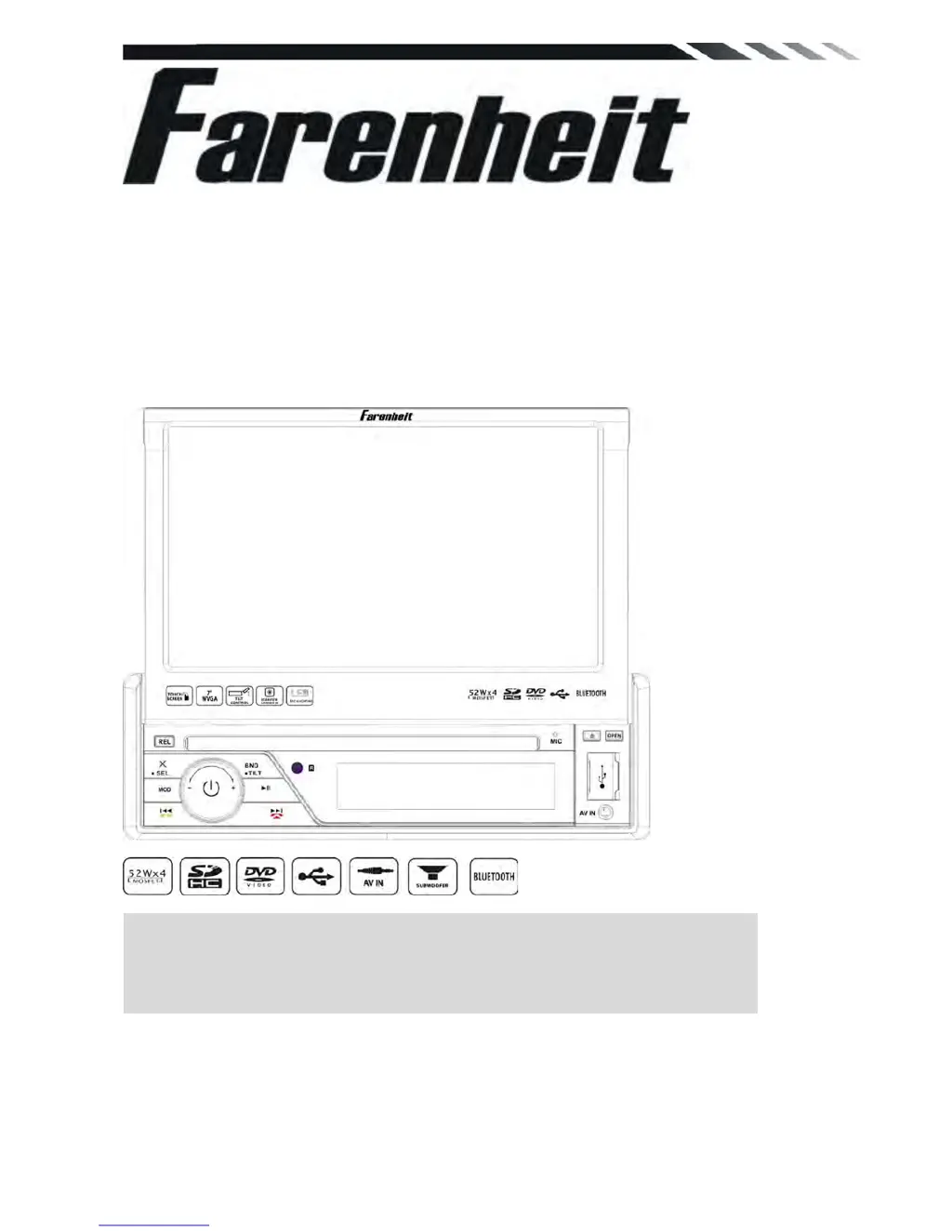
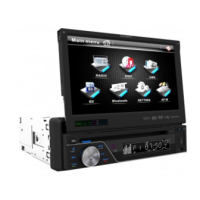
TID-893/TID-893B
In-Dash 7” Monitor
Touch Screen
DVD/CD/MP3/MP4
AM/FM Radio
With Bluetooth
Owner’s Manual
Take the time to read through this owner’s manual.
Familiarity with installation and operation procedures will help you obtain the best
Performance from your new DVD-receiver.

Questions and Answers

  • S
    Samantha WilliamsJul 31, 2025
    Why my Farenheit TID-893 Car Video System power does not turn on?
    • J
      Joshua GrimesJul 31, 2025
      If your Farenheit Car Video System doesn't power on, and no sound is produced, the fuse may be blown. Replace it with a fuse of the same amperage. However, if the fuse blows again, it's recommended to consult your store of purchase. Another potential cause is incorrect wiring, in which case you should consult your local retailer.
  • C
    Charles MorrisAug 6, 2025
    What to do if buttons are pressed on Farenheit TID-893 but nothing happens?
    • S
      Sarah BlackAug 6, 2025
      If nothing happens when you press the buttons on your Farenheit Car Video System, and the display is inaccurate, it could be due to a microprocessor malfunction caused by noise. To resolve this, turn off the power, then press the [no open] button and remove the DCP. After that, press the reset button for about 2 seconds using a thin rod. Alternatively, the panel or main unit connectors might be dirty. If so, wipe the dirt off with a soft cloth moistened with cleaning alcohol.
  • S
    Stephanie WhiteAug 12, 2025
    How to fix no sound output with amplifiers on Farenheit TID-893?
    • M
      Marco TorresAug 12, 2025
      If there is no sound output from your Farenheit Car Video System when operating it with amplifiers or a power antenna attached, the power antenna lead may be shorted to ground, requiring excessive current, or there may be an issue with the remote on the amplifiers or power antenna. Here's how to troubleshoot: 1. Turn off the unit. 2. Remove all wires attached to the power antenna lead and check each wire for a possible short to ground using an ohm meter. 3. Turn on the unit. 4. Reconnect each amplifier remote wire to the power antenna lead one by one. If the amplifiers turn off before all wires are attached, use an external replay to provide remote-on voltage (excessive current required).
  • T
    Troy VegaAug 18, 2025
    Why is sound bad after turning on Farenheit Car Video System?
    • K
      Kathy WatsonAug 18, 2025
      If the sound quality is poor immediately after turning on your Farenheit Car Video System, the compact disc might be dirty. Try cleaning it carefully to avoid scratches. If the compact disc is heavily scratched or warped, replace it with one that is not scratched.
  • M
    Michael ChaseAug 25, 2025
    What to do if sound is bad directly after power on Farenheit Car Video System?
    • G
      Gary MorseAug 25, 2025
      If you experience poor sound quality immediately after turning on your Farenheit Car Video System, water droplets may have formed on the internal lens due to parking in a humid place. To resolve this, let the unit dry for about 1 hour with the power on.

Summary

WARNING!

OPERATION PRECAUTIONS

Accessories

INSTALLATION; UN-INSTALLATION

INSTALLATION

Describes the process of installing the unit into the dashboard.

UN-INSTALLATION

Details the steps to remove the unit using extraction keys.

WIRING CONNECTIONS

Front panel

REMOTE CONTROL

MAIN MENU

DVD PLAYER

SETTING CONTROL

SOUND CONTROL

Allows adjustment of audio settings like equalizer, bass, treble, balance, and fader.

Back View Camera

BLUETOOTH SECTION

TROUBLESHOOTING

TECHNICAL SPECIFICATIONS

Farenheit TID-893 Specifications

General IconGeneral
BrandFarenheit
ModelTID-893
CategoryCar Video System
LanguageEnglish

Related product manuals