Need help?
Do you have a question about the Fasep B222 and is the answer not in the manual?
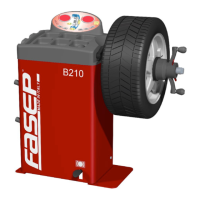
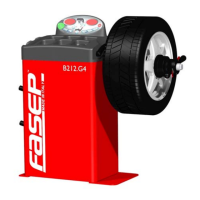
This unit is designed to measure and correct static and dynamic unbalance of vehicle wheel.
Definitions of terms used in this manual.
Instructions on how to safely move the wheel balancer unit.
Instructions for assembling the wheel balancer unit after transportation.
Procedure for installing the wheel balancer on a firm and level ground.
Guidelines for the safe and correct electrical hookup of the unit.
Explains the function of each key on the control panel.
Explains the meaning of different LED indicators on the control panel.
Step-by-step guide for user calibration of the wheel balancer.
Procedure to verify the correct calibration of the wheel balancer.
Procedure for ALU-SE calibration on the wheel balancer.
Instructions on correctly placing the wheel rim onto the balancer.
Procedure to compensate unbalance using the AFC function.
Steps for inputting wheel rim dimensions in different modes.
Procedure for detecting and correcting wheel unbalance.
Instructions on how to apply weights using the ALU-SE indicator.
Procedure to optimize wheel unbalance after initial measurement.
Guide on how to use the split weight function for balancing.
Steps to access the special functions menu on the control panel.
Instructions for running the diagnostic program for sensors.
How to access and use the statistic program.
Guide to configuring user settings and preferences.
Provides detailed technical specifications of the wheel balancer.
Covers operating conditions, safety features, and environmental requirements.
Lists common error codes and their meanings for troubleshooting.
 General
| Brand | Fasep |
|---|---|
| Model | B222 |
| Category | Wheel Balancers |
| Language | English |

 To Next Page