Settings Menus
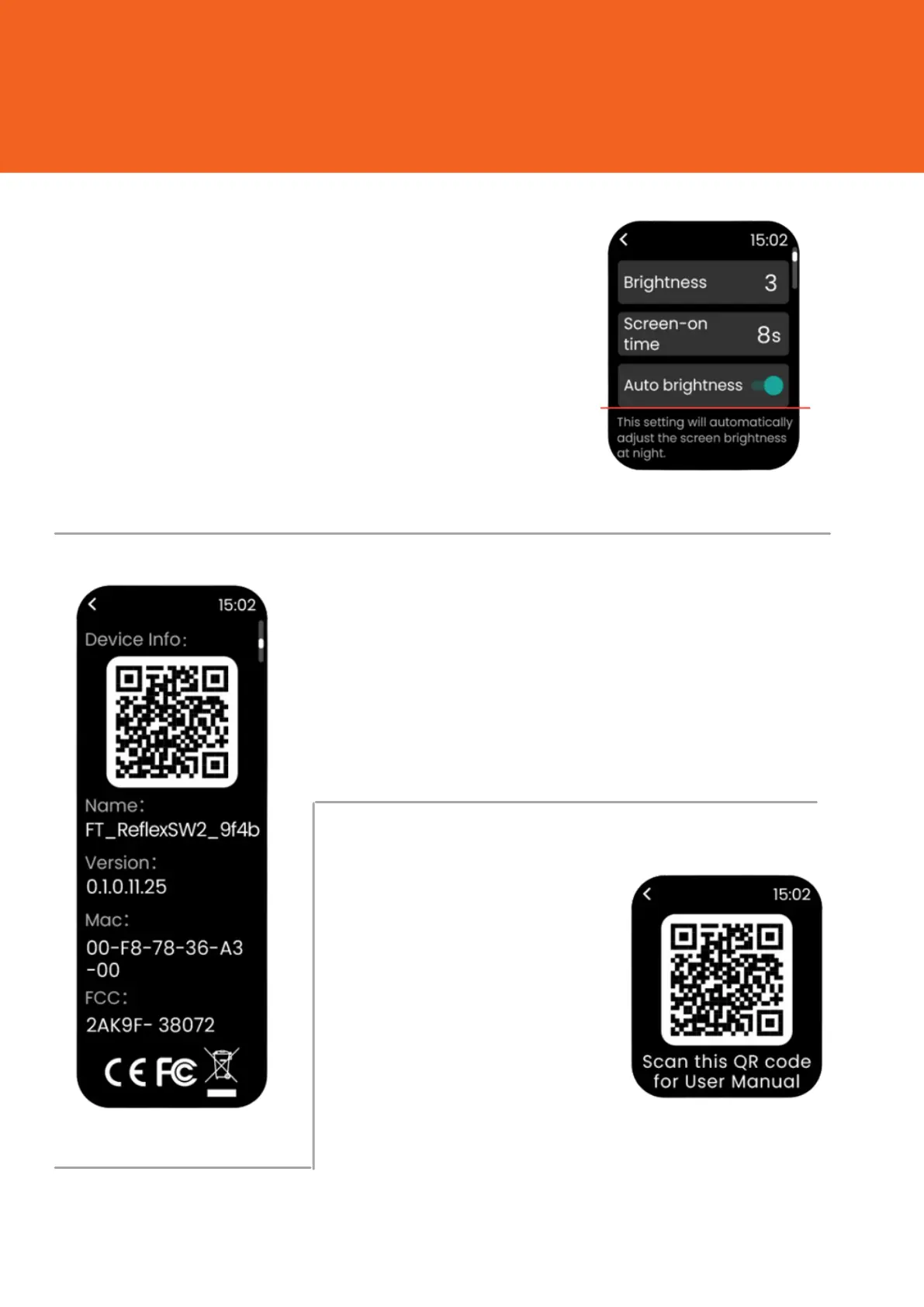
You can click on brightness to
change levels. You can
increase/decrease screen-on time
and also enable/disable auto
brightness.
In About Section of settings, you
can check device info with a QR
Code, Name of the watch, version,
Mac and FCC.
You can scan and
check the whole
user manual from
the help section
in settings.


 To Next Page