EasyManua.ls Logo

Fat Shark TELEPORTER V3 RTF FPV KIT - User Manual

Fat Shark TELEPORTER V3 RTF FPV KIT
12 pages
Print Icon
To Next Page IconTo Next Page
Loading...
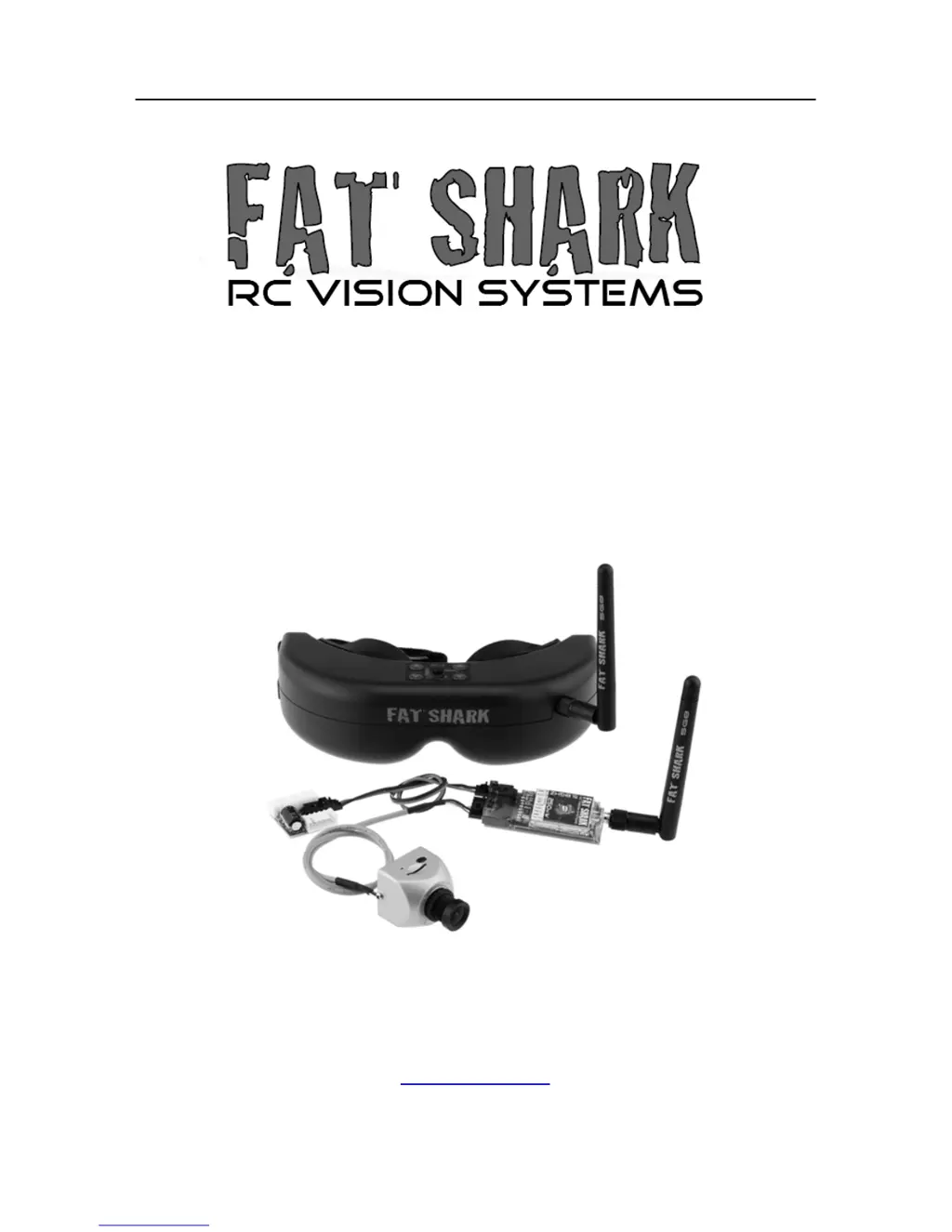
Fat Shark 1 RC Vision Systems
TELEPORTER V3
RTF FPV KIT
USER MANUAL
Revision A 07/13/2013
For more product information, please visit:
www.fatshark.com
All Rights Reserved

Questions and Answers

  • J
    Jeanette ClarkAug 2, 2025
    Why is the range so short on my Fat Shark TELEPORTER V3 RTF FPV KIT Magnifiers?
    • K
      kevin03Aug 3, 2025
      If you are experiencing short range issues with your Fat Shark Magnifiers, first make sure that a compatible 5.8GHz antenna is installed. Check for any other sources of interference in the area. Also, ensure the transmitter has a clear line of sight to the headset and test in a wide-open area, away from obstructions.
  • R
    richard75Aug 10, 2025
    What to do if there are lots of interference lines (horizontal lines) when using 5.8Ghz receiver on Fat Shark Magnifiers?
    • T
      Timothy AyalaAug 10, 2025
      To address interference lines when using a 5.8GHz receiver on your Fat Shark Magnifiers, determine if the issue stems from harmonic interference from a 2.4GHz RC controller by turning the radio on and off to check. If this doesn't help, use CH1 on both the TX and headset, as CH1 is not affected by 2.4GHz. Verify that the correct frequency antenna is being used.
  • K
    klinestacyAug 18, 2025
    What causes white dots on the LCD display of Fat Shark TELEPORTER V3 RTF FPV KIT?
    • L
      Larry SanchezAug 18, 2025
      If you see white dots on the LCD display of your Fat Shark Magnifiers, it's likely due to sun exposure, which has burnt off the LCD color filter. This typically happens when the goggles are carelessly left exposed to the sun.
  • R
    Rodney MeyersAug 26, 2025
    What to do if no image, display is glowing dark grey on Fat Shark Magnifiers?
    • F
      Felicia NguyenAug 26, 2025
      If your Fat Shark Magnifiers display is glowing dark grey but showing no image, and you're using a wireless module, turn on the RX power on the bottom of the headset. If you're using an AV in cable, check the video source. Also, make sure the TX is on and the camera connections are secure.

Summary

Fat Shark Teleporter V3 User Manual

Product Warning: Sunlight Damage

Product Contents

Controls Diagram

Controls

Downlink Overview

Transmitter Operation

Transmitter Power Warning

Never power transmitter without antenna attached to prevent RF amplifier damage.

720 p HD Pilot Camera

Powering Equipment

Battery Charging

Accessories

SpiroNET Circular Polarized Antenna

High-performance antenna for rejecting multipathing and improving range.

Specifications

Headset Specifications

Details optics, audio, user controls, electrical, battery, system, mechanical, and display specs.

Camera Specifications

Camera Board and Lens

Details CMOS imager, video resolution, compression, power, and lens FOV.

Transmitter Specifications

Transmitter Electrical and Antenna

Details power supply, consumption, transmitting power, frequency, and antenna type.

Downlink Kit Specifications

Operational Advice

Channel Selection and Interference

Select clear channels for minimal interference; check static backgrounds.

Antenna Choice and Placement

Use SpiroNET for quads; ensure clear line of sight for antennas.

5.8 GHz AV with 2.4 GHz RC Controllers

Manage harmonic interference; use channel 1 if issues arise with 2.4GHz RC.

Troubleshooting

No Image or Dark Display

Check power connections, RX power, video source, and transmitter/camera connections.

Static and Channel Interference

Choose cleaner channels; check for 2.4GHz RC interference or use CH1.

Battery Issues (DOA, Wont Charge)

Check for tripped low voltage switch or ensure correct charging setup.

Short Range Issues

Ensure 5.8GHz antenna is installed and check for interference sources.

White Dots on LCD Display

Caused by sun exposure; goggles left in sunlight can burn LCD color filter.

Warranty Information

Fat Shark TELEPORTER V3 RTF FPV KIT Specifications

General IconGeneral
Display TypeLCD
Operating Frequency5.8 GHz
Battery Capacity1000mAh
Video FormatNTSC/PAL
User ControlsBrightness, contrast, channel selection
DisplayLCD
Included Componentsbattery, charger

Related product manuals