POSITIONS OF OCTAVES
By depressing OCTAVE switch, you can assign a certain bass pedal octave
positions to any Pedalboard key.
example:
MIDI CHANNELS
By depressing CH. MIDI switch you can the MIDI channel to any Pedalboard key.
example:
PRESETS EXTENSION SWITCH
With switches and , you can send MIDI-voice throught the MIDI channel in
function.
- C on Pedal = Lower octave
- C # on Pedal = One octave more
- D on Pedal = One octave more
- C high = Octave heigher
PROGRAMMING POSSIBILITIES
30 MIDI PEDALBOARD
- C on Pedal = Lower octave
- C # on Pedal = One octave more
- D on Pedal = One octave more
- C high = Octave heigher
STUDIO 90
STUDIO 90 Plus
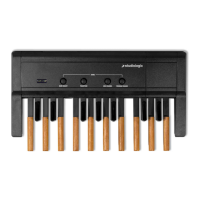
MIDI PEDALBOARD
DEUTSCH



 To Next Page