EasyManua.ls Logo

Fatar STUDIO 900 - MIDI Implementation and Parameter Charts; MIDI Implementation Chart; Parameter Entry Chart

Fatar STUDIO 900
Print Icon
To Next Page IconTo Next Page
To Previous Page IconTo Previous Page
Loading...
37STUDIO 90 Plus
36 STUDIO 90 Plus
Channel
Mode Default
Messages
Note Number
Velo. Note On
Note off
After Key,s
Touch Ch's
Pitch Bender
Control
Change:
Velocity Dyn.
Velocity Rel.
Program Chg.
Sys. Ex.
Song Position
Song Select
Tune
Clock
Commands
Local ON/OFF
All Notes OFF
Active Sense
Reset
1
2
4
5
6
7
64
65
10 - 16
3
x
0 - 127
o
o
x
x
o
o
x
x
x
x
x
o
x
o
o
o
x
x
x
x
x
x
x
x
x
x
x
x
x
x
x
x
x
x
x
x
x
x
x
x
x
x
x
x
x
x
x
x
x
x
x
x
x
x
x
x
Memorized
21 - 108 in C key
Modulation Wh
Breath Control
Foot Control
Portamento
Data Entry Knob
Volume
Sustain foot sw
Portamento fsw
0 - 99
Sys. Common
Sys. Common
Sys. Common
Sys. Real Time
Sys. Real Time
Aux. Message
Aux. Message
Aux. Message
Aux. Message
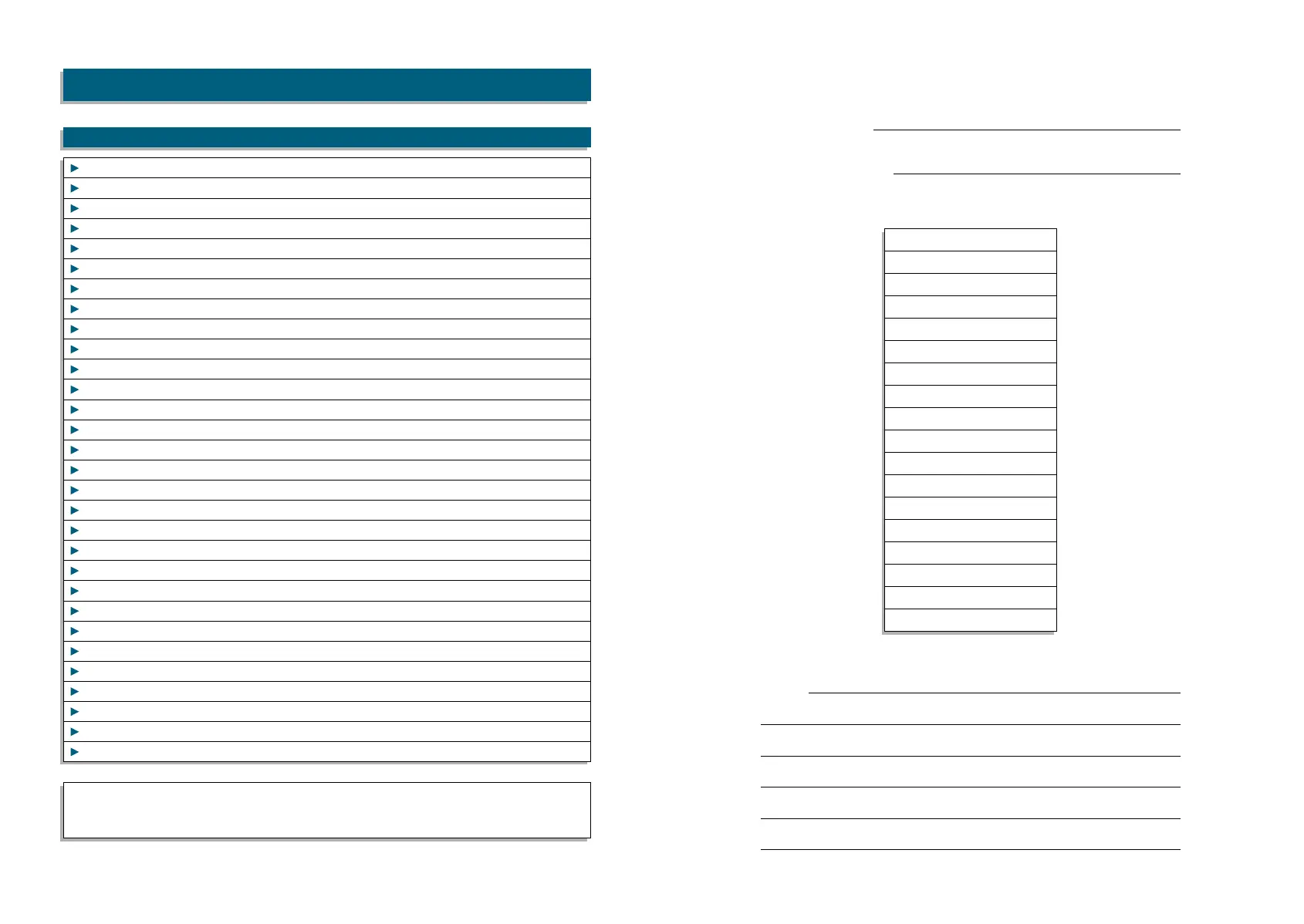
MIDI IMPLEMENTATION CHART ST-90 Plus
FUNCTION TRANSMITTED RECOGNIZED REMARKS
Note: Mode 1: Omni On, Poly
Mode 2: Omni Off, Poly
Mode 2: Omni On Mono o: Yes
Mode 2: Omni Off Mono x: No
Program Name
Program Number
00 =
01 =
02 =
03 =
04 =
05 =
06 =
07 =
08 =
09 =
10 =
12 =
13 =
14 =
15 =
16 =
17 =
18 =
Notes:
PARAMETER CHART
PARAMETER CHART

Related product manuals