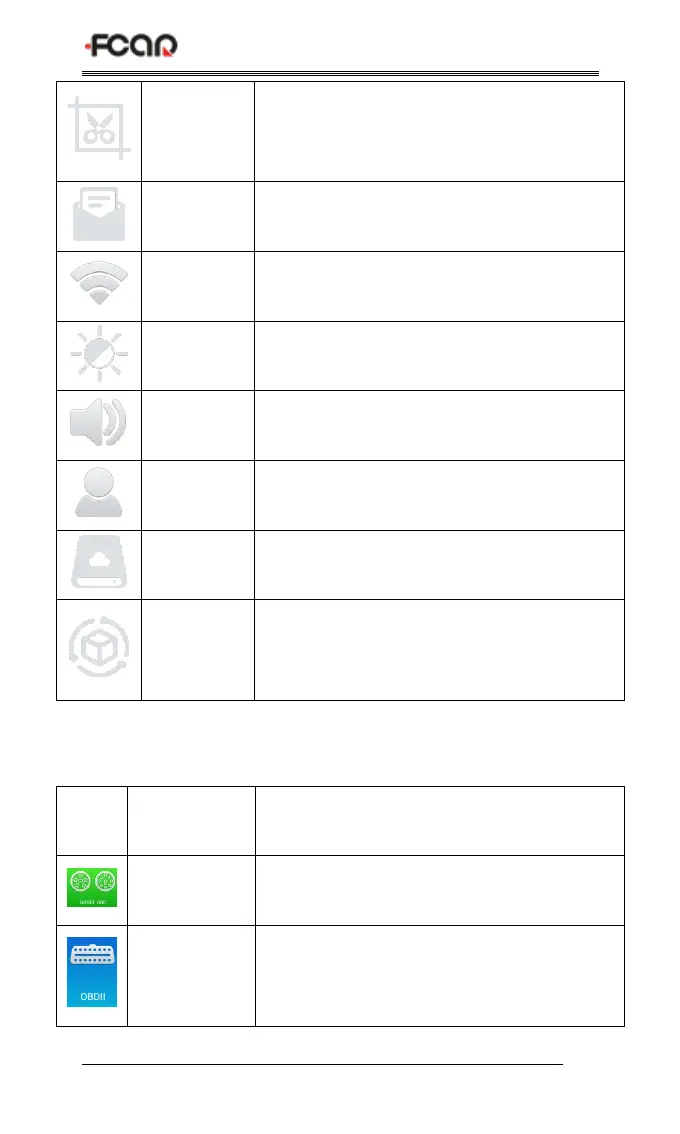
Browse and manage the Screenshot files
Create or manage the feedback files
Used to adjust the brightness of the device
screen
Used to adjust the volume of the device
Used to view device status and user
information
Used to manage the storage, such as
removing useless data from the device
Used to set device language, unit and time,
view device information and restore factory
settings
Table 3: Function main menu
Diagnostic procedure: Diesel OBD
Diagnostic procedure: OBD II



 To Next Page