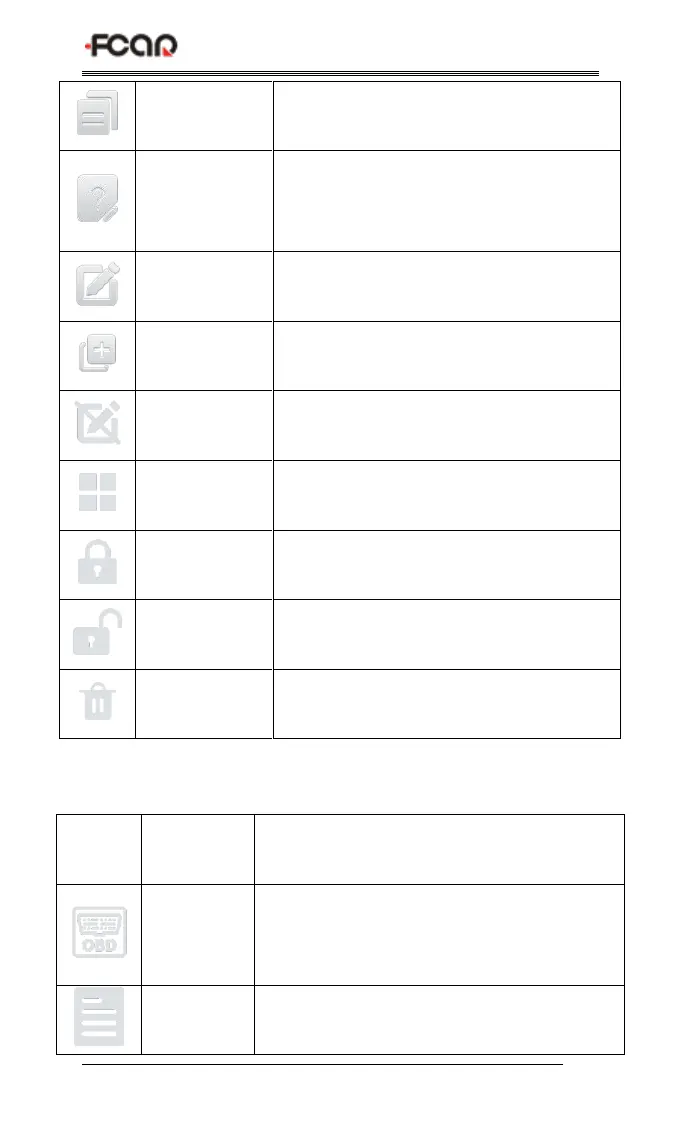
Used to save test data (can be viewed in
data management menu)
Used to report the problem to the
company's service system when the
system cannot be accessed
Used to edit , lock, unlock or delete files
Used to add feedback information
Exit the edit mode of files
Select all files on the current page
Lock files to avoid files being deleted
automatically by the system
Table 2: Function sub menu
Measures the voltage of 16 PIN of OBD
diagnostic interface, and judges the pin
position of K- line and CAN line
Browse and manage the test report files



 To Next Page