INR-SI47-1246a
- 7 -
(4) USB Connectivity
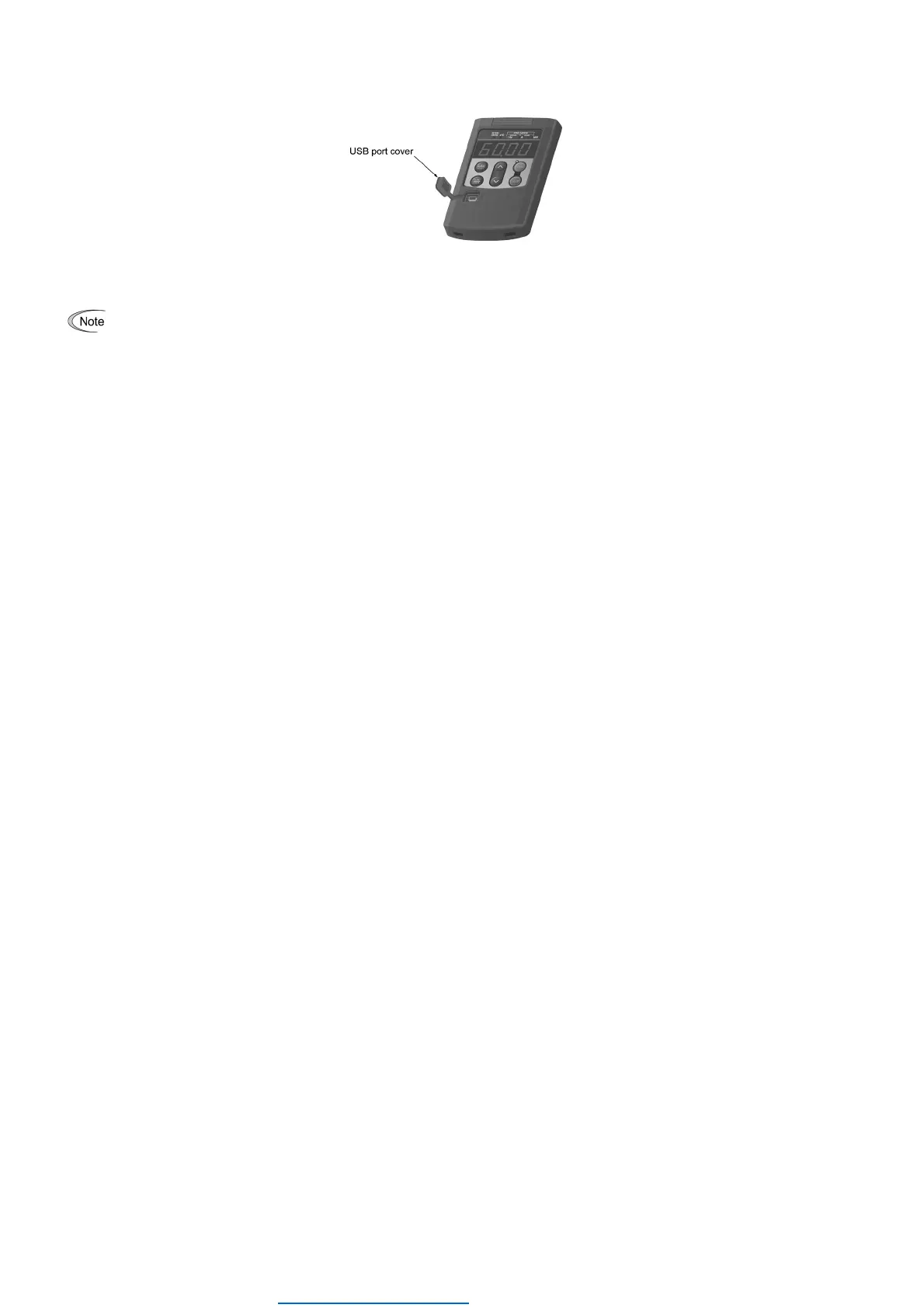
The keypad has a USB port (mini B connector) on its face. To connect a USB cable, open the USB port cover as shown
below.
Connecting the inverter to a PC with a USB cable enables remote control from FRENIC Loader. On the PC running
FRENIC Loader, it is possible to edit, check, manage, and monitor the function code data in real-time, to start or stop the
inverter, and to monitor the running or alarm status of the inverter.
Do not connect or disconnect the USB cable to the USB port on the keypad during the data copying.
For the instructions on how to use the FRENIC Loader, refer to the FRENIC Loader Instruction Manual(INR-SI47-1526□,
INR-SI47-1549□-E).
Dealers Industrial Equipment -- Visit https://DealersElectric.com or call (908) 688-1966 for all of your electric motor & VFD needs!


 To Next Page
 Loading...