Quick Installation Guide 4
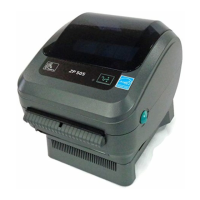
LP 2844 Thermal Printer
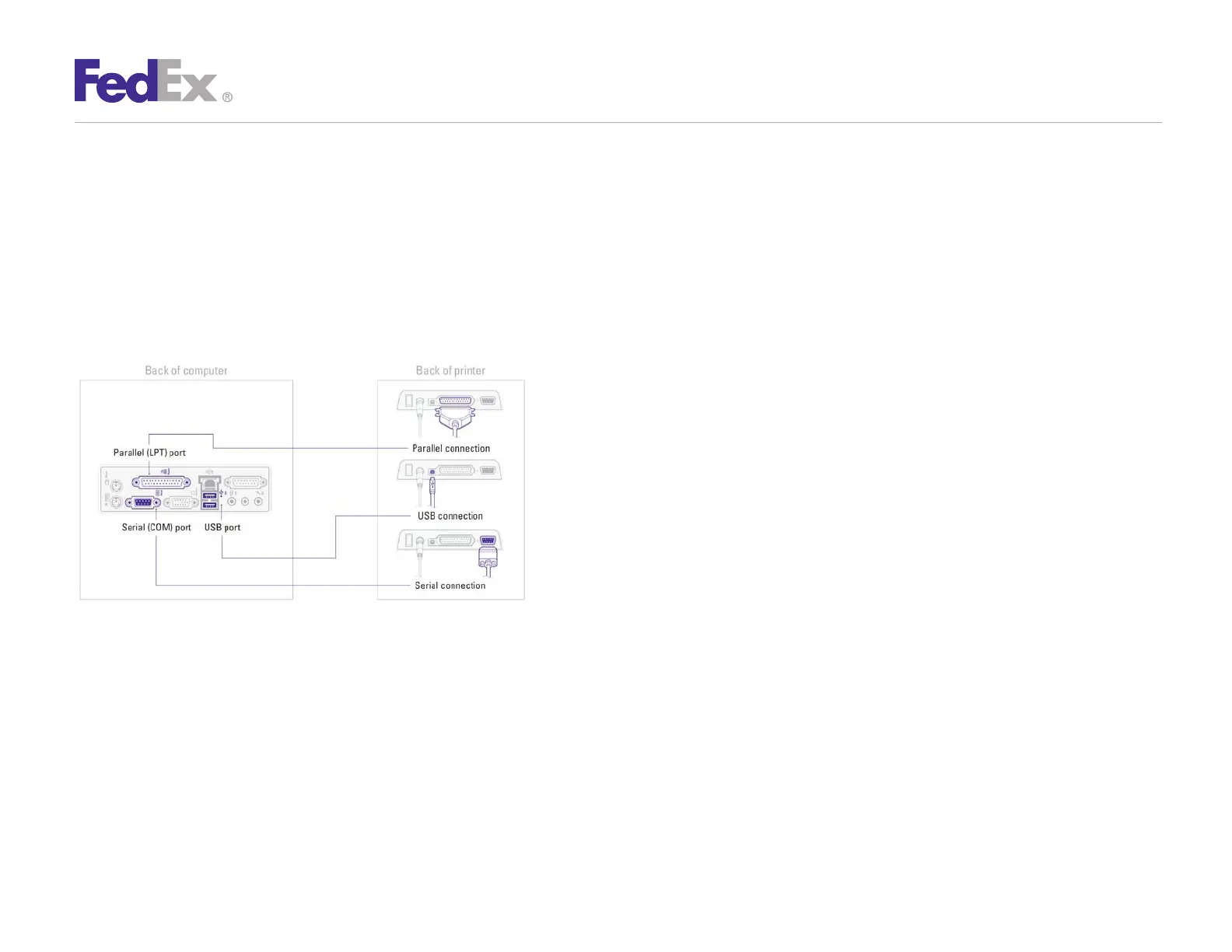
Turn off your computer before connecting printer. Connect the
printer by using the supplied serial or USB cable. You may also
use a parallel cable (not included).
Note: USB cable cannot be used with FedEx Ship Manager at fedex.com
After connecting the printer, turn your computer on, insert the
Zebra Printer Driver Install CD and follow the instructions.
If you are using Microsoft
®
Windows
®
7 (32-bit and 64-bit)
operating systems, you must install the designated Zebra
printer driver designed for those operating systems. Refer
to the Printer Support Guide for current installation
procedures.
Step 3: Connect the Printer
to Your Computer
Step 4: Install the Printer Driver



 To Next Page