Chapter Five: Using FSMS Utilities
174 FedEx Ship Manager
®
Server User Guide, Version 7.6
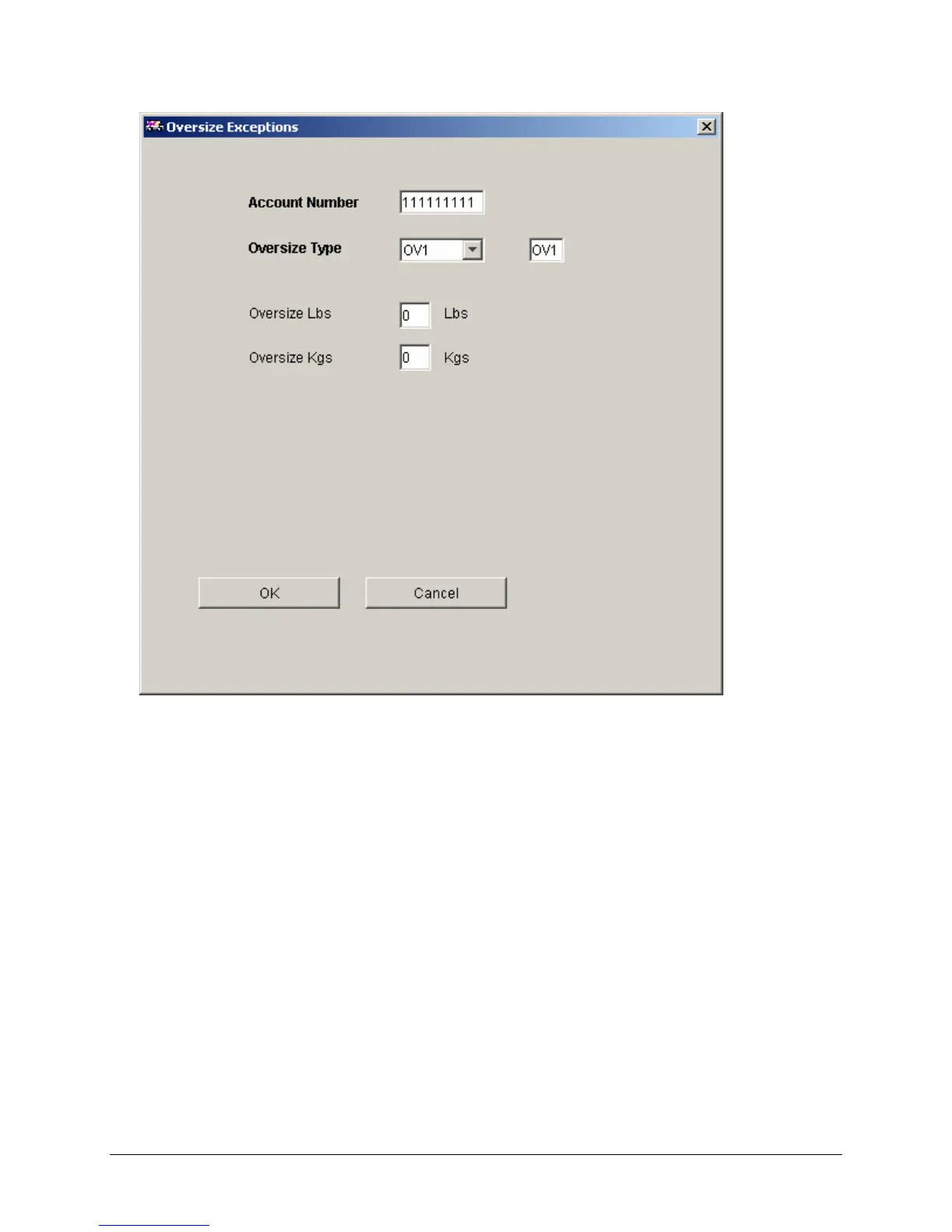
7. Configuring the Oversize Exceptions
This table is used to override the default weight at which the Oversize conditions will apply.
• Account Number – The account number displayed is the account number for which discounts
are to be configured. This is not an editable field.
• Oversize Type – The Oversize condition for which the default value is changed: OV1 (OS I), OV2
(OS II), or OV3 (OS III).
• Oversize Lbs – The new weight in pounds at which the specified oversize condition applies.
• Oversize Kgs – The new weight in kilograms at which the specified oversize condition applies.
Click OK to accept and exit or Cancel to cancel and exit.



 To Next Page