Chapter One: Setting Up FSMS
FedEx Ship Manager
®
Server User Guide, Version 7.6 29
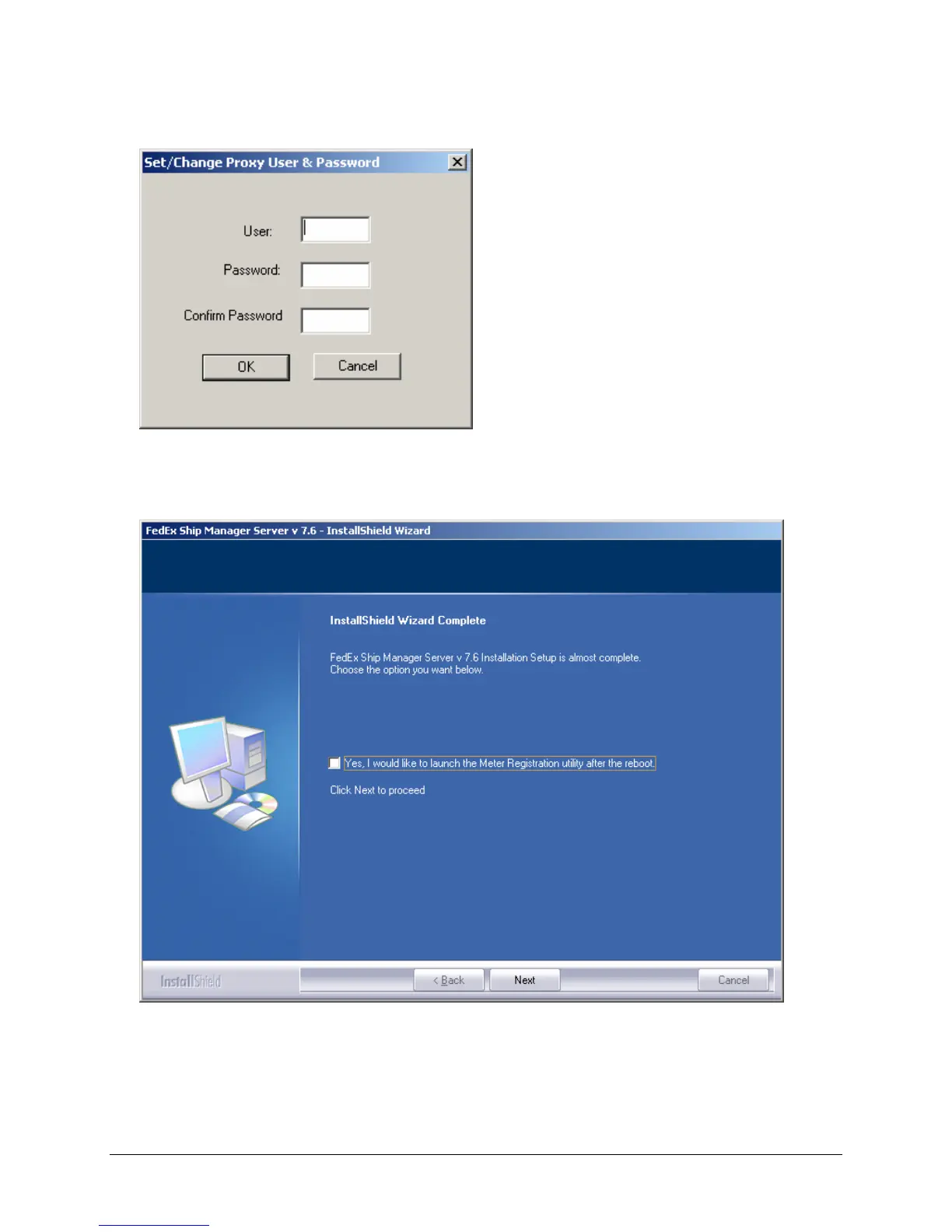
15. To set a Proxy password, click the Set Proxy Password button. Otherwise, click Finish.
16. Enter the required proxy information. Click OK.
17. Click Finish. This step completes the communication setup part of the installation.
18. To launch the Meter Registration Utility immediately after reboot to reconfigure existing meter(s),
check the Yes, I would like to launch Auto Configuration after the reboot checkbox, and click
Next to proceed.



 To Next Page