Chapter One: Setting Up FSMS
30 FedEx Ship Manager
®
Server User Guide, Version 7.6
If the Meter Registration Utility is to be manually launched after the installation to obtain a new meter,
or to reconfigure existing meter(s), or if it will not be used, click Next and proceed to step 24.
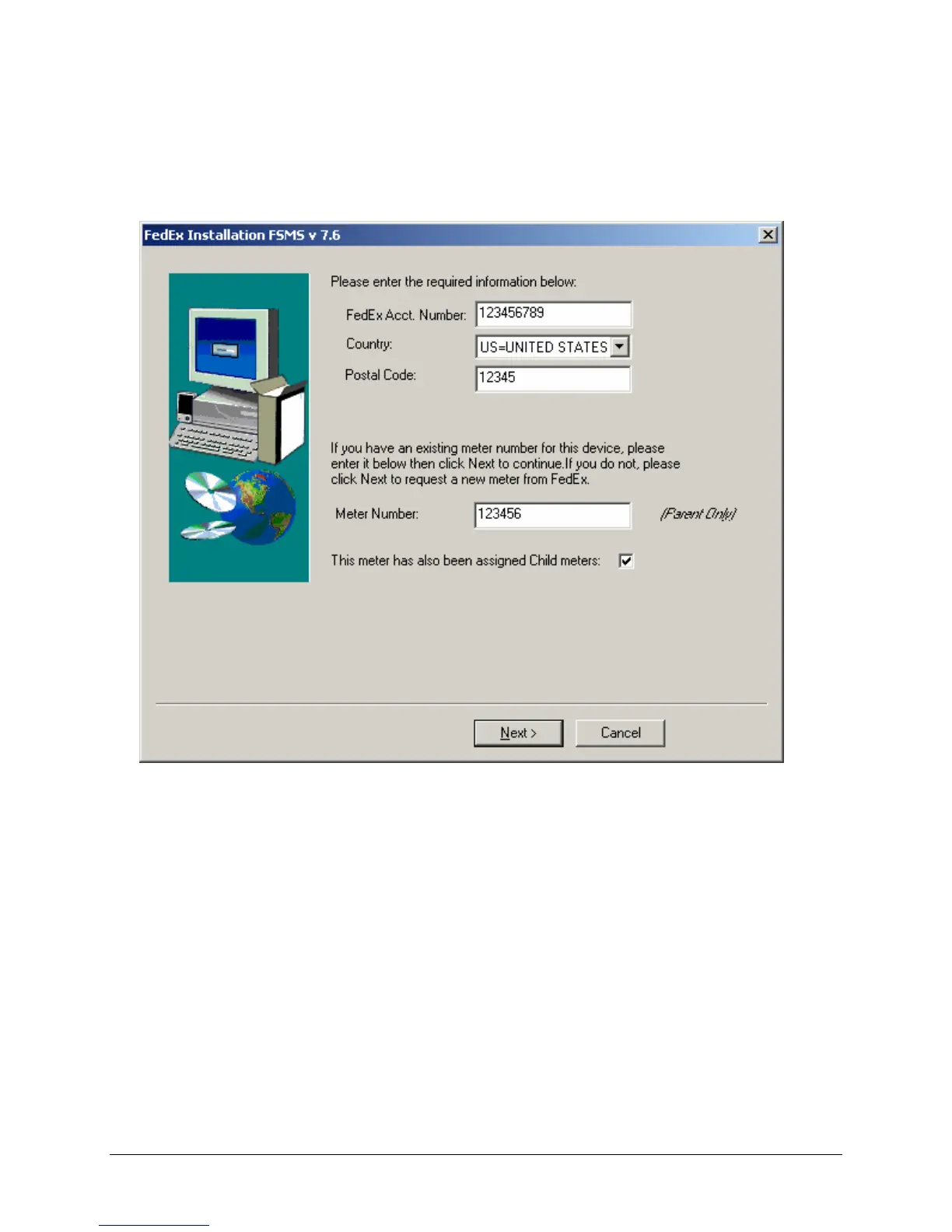
19. Choosing to launch the Meter Registration Utility after the reboot will cause the following screen
to be presented:
20. Enter all information then click Next.
21. If Child meters are to be reconfigured, check the This meter has also been assigned Child meters
checkbox, then click Next.



 To Next Page