Chapter One: Setting Up FSMS
44 FedEx Ship Manager
®
Server User Guide, Version 7.6
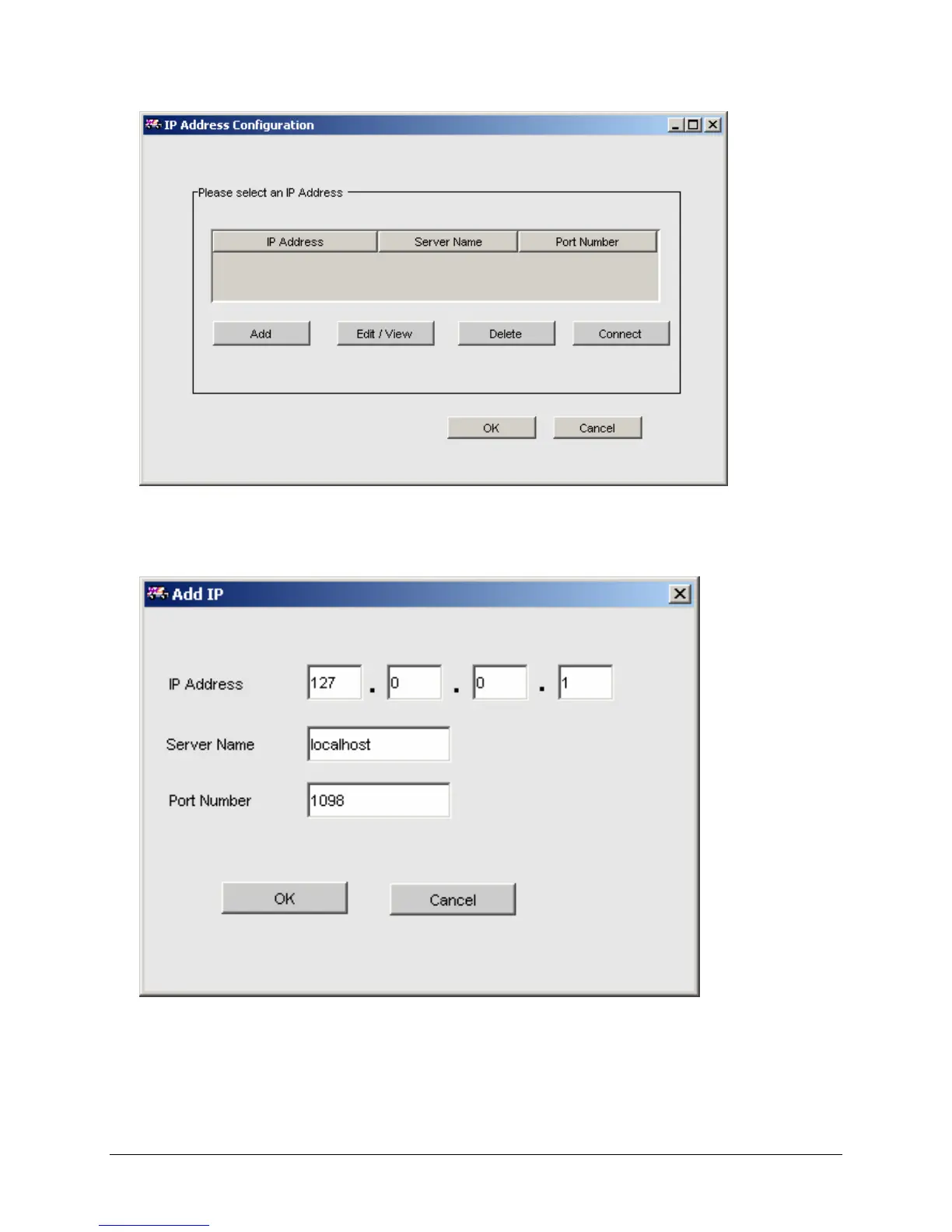
Adding an IP Address:
To add an IP address, click the Add button. The following window will be displayed:
1. Enter the IP Address of the FSMS server to be remotely configured.
2. Enter the system Server Name if available.
3. Enter the Port Number through which the FSMS server is to be accessed. Ensure this port is open
on the server to be remotely configured. FSMS defaults to port 1098.



 To Next Page