Chapter One: Setting Up FSMS
FedEx Ship Manager
®
Server User Guide, Version 7.6 45
Editing an IP Address:
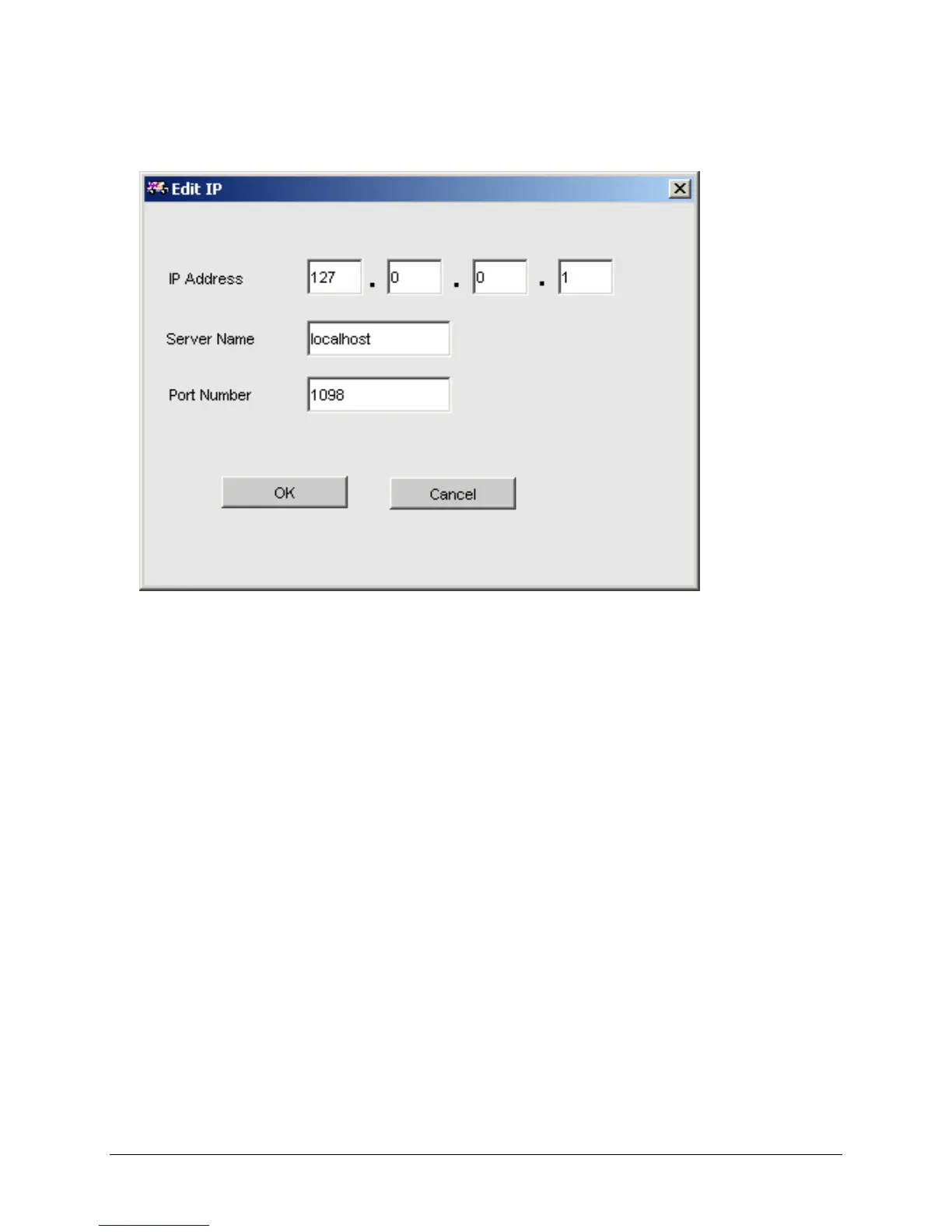
To edit an IP address, click the Edit/View button. The following window will be displayed:
1. Make desired changes.
2. Click OK to accept changes or Cancel to exit without saving or making any changes.
Deleting an IP Address:
1. Select the IP address to be deleted.
2. Click the Delete button.
Connecting to an IP Address:
1. Select an IP address in which to connect.
2. Click the Connect button.
3. The connection status will be displayed at the top of the FSMS Configuration Utility.



 To Next Page