Chapter One: Setting Up FSMS
52 FedEx Ship Manager
®
Server User Guide, Version 7.6
Label Settings
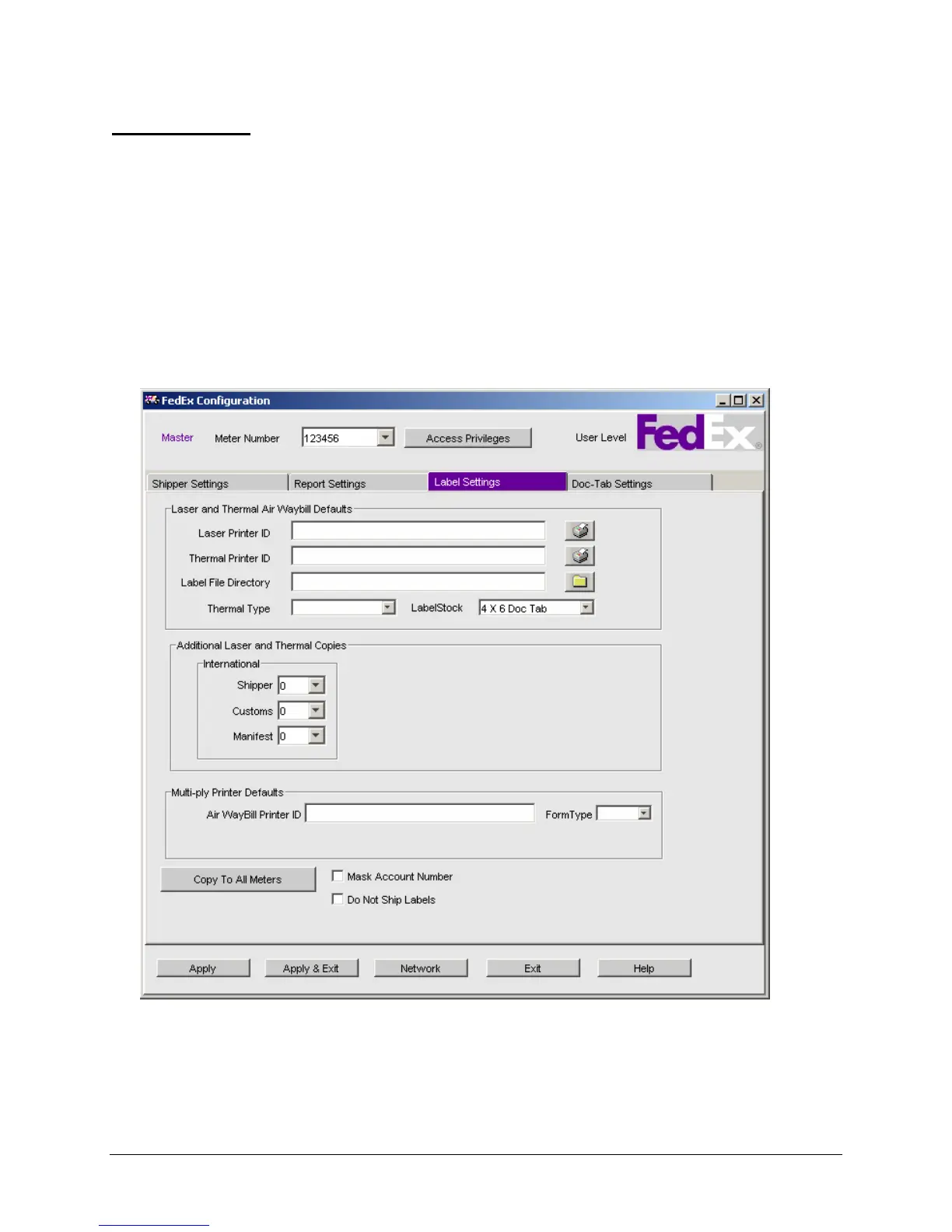
The Label Settings window is used to configure printers for printing laser and thermal shipping labels as
well as for multi-ply air waybills, Dangerous Goods (DG) forms (for FedEx Express shipping), and
Hazardous Materials (HazMat) forms (for FedEx Ground shipping). The Label Settings window is divided
into three sections:
1. Laser and Thermal Air Waybill Defaults
2. Additional Laser and Thermal Copies
3. Multi-ply Printer Defaults
The following Label Settings screen displays for non-CA origin:



 To Next Page