Chapter One: Setting Up FSMS
FedEx Ship Manager
®
Server User Guide, Version 7.6 73
Printer Set-Up
FSMS allows you to set up printers for both label and report printing in three different ways:
1. Local Printer
2. Local TCP-IP Printer
3. Windows-based Print Share Network
Adding a Local Printer
To add a local printer, start up the Windows Add Printer Wizard. This wizard is usually located on the
Windows Start menu. The Windows Printer Wizard start-up window is displayed.
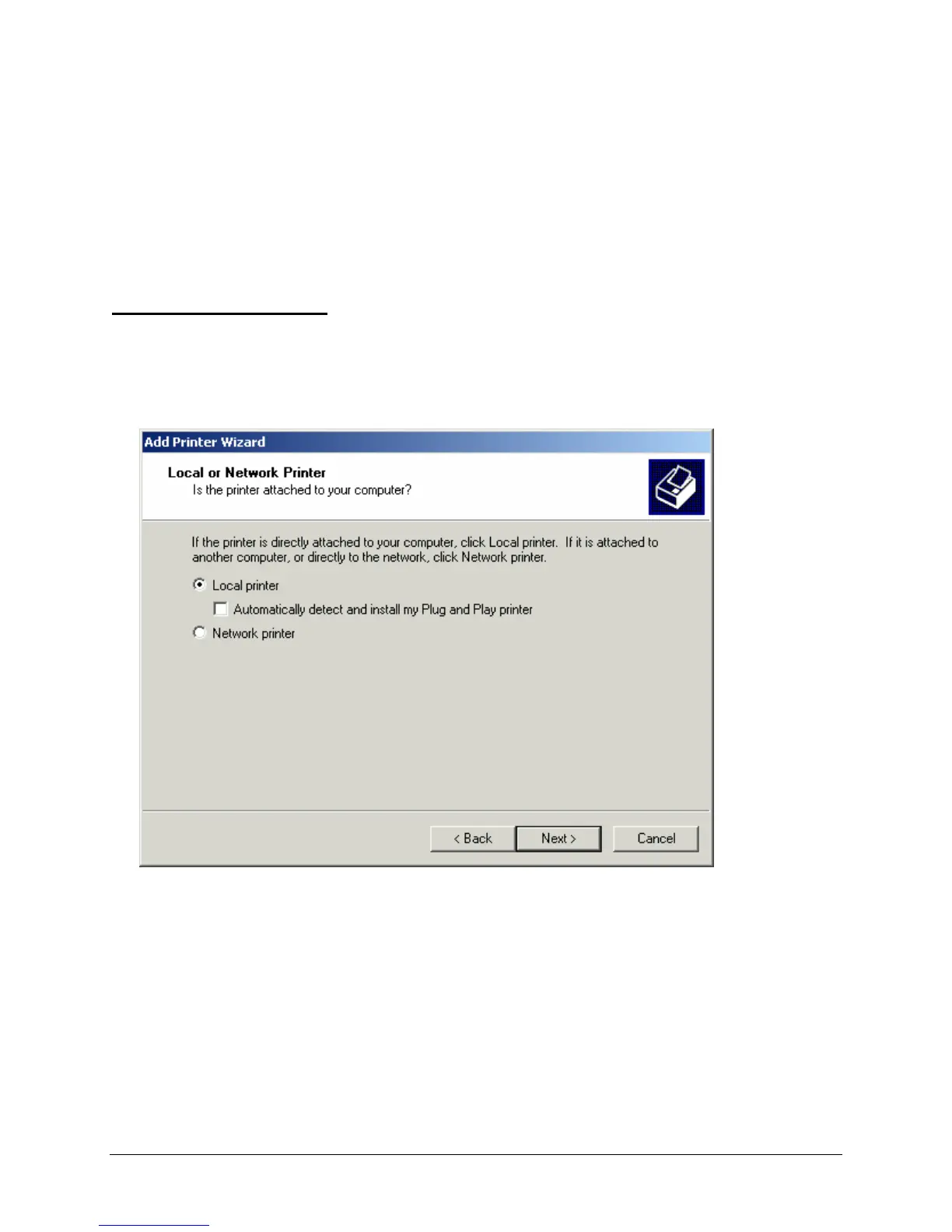
1. Click Next to start the Add Print Wizard function. The Local or Network Printer window is
displayed.
2. Local Printer is selected as the default in this window. Click Next to continue local printer installation.
The Select the Printer Port window is displayed.


 To Next Page
 Loading...