Chapter One: Setting Up FSMS
76 FedEx Ship Manager
®
Server User Guide, Version 7.6
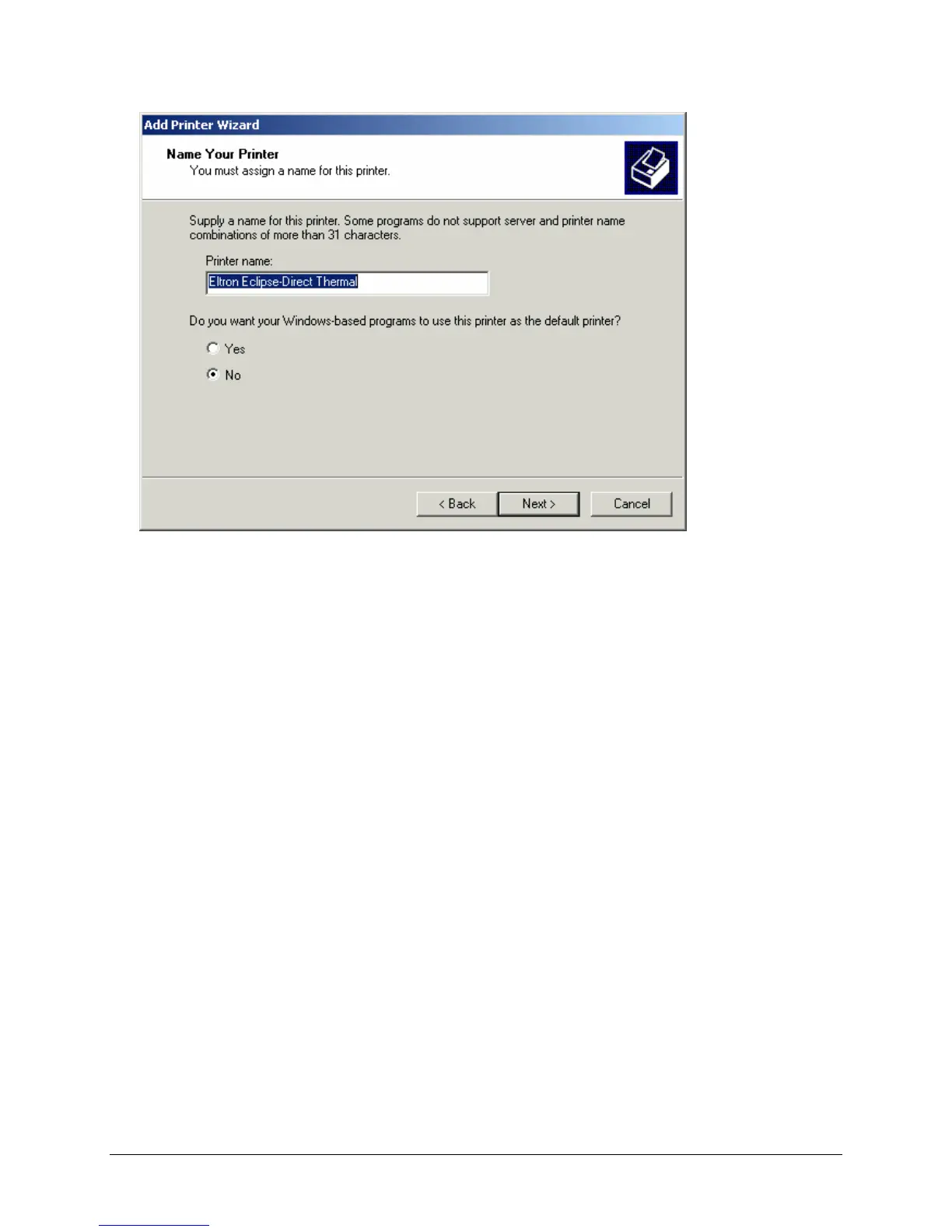
9. In the Name Your Printer window, type in the name of the printer you are installing. This will be the
printer name you will use to set up your Label and Report configurations and/or to enter in the 020
shipping transaction. If this printer is to be used by FSMS only, click No to make this printer
unavailable as the Windows default printer; otherwise, click Yes. Click Next to continue. The Printer
Sharing window is displayed.



 To Next Page