Chapter One: Setting Up FSMS
FedEx Ship Manager
®
Server User Guide, Version 7.6 77
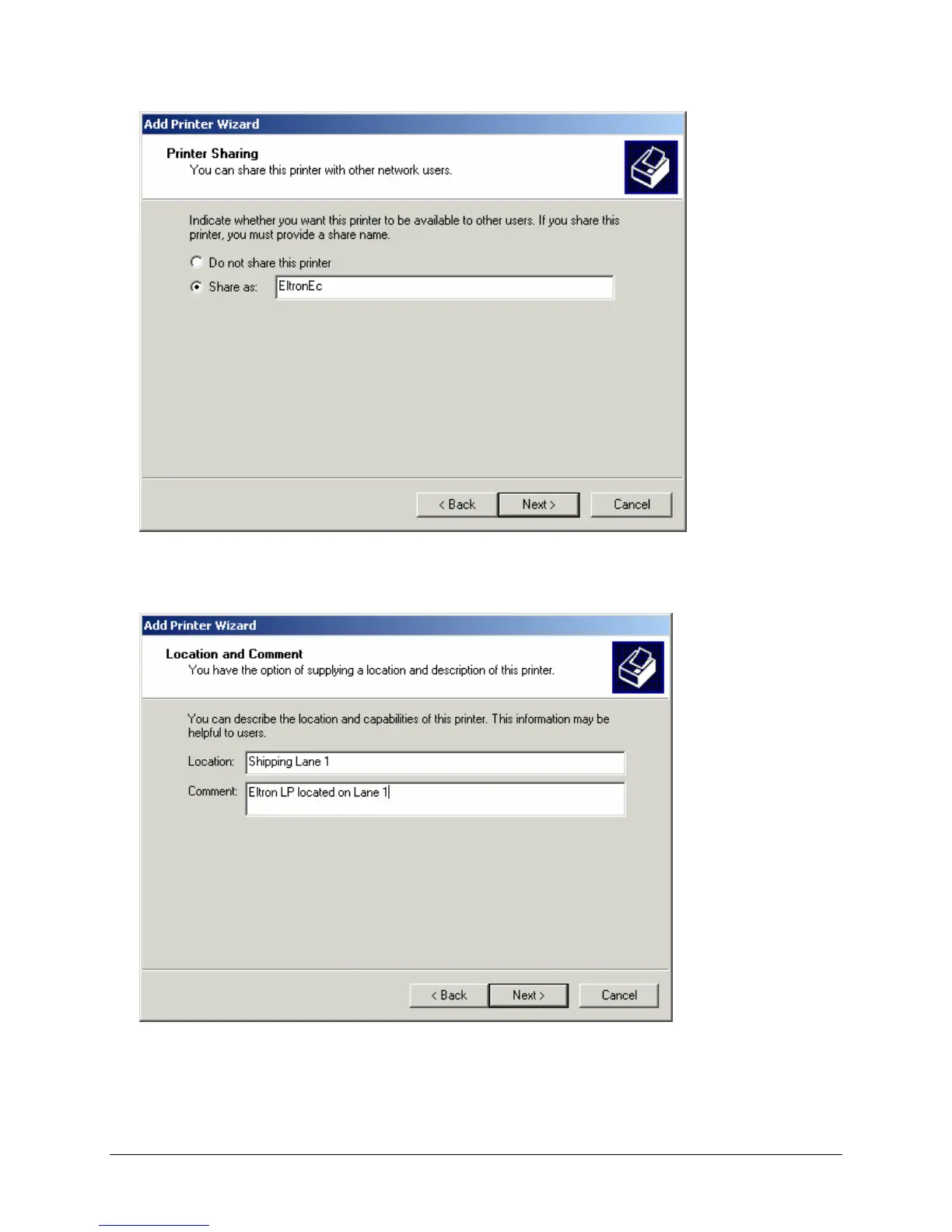
10. Select Share as to share your printer. The defaulted share name is the same as the printer name you
entered in the Name Your Printer window. Click Next to continue. The Location and Comment
window is displayed:
11. The Location and Comment window asks for information that is useful when trying to locate your
printer. In the sample window above, the printer is located on Shipping Lane 1 and is an Eltron LP
(label printer). This window can be left blank if you choose. Click Next to continue. The Print Test
Page window is displayed.



 To Next Page