Chapter One: Setting Up FSMS
84 FedEx Ship Manager
®
Server User Guide, Version 7.6
NOTE:
Each operating system (OS) is slightly different in their methods of adding a printer. If this
system is a Windows 2000 OS, follow the instructions for “Adding a Local Printer”
previously in this chapter.
After the printer is configured, follow the steps below to add the FEDEXUSER account and to allow the
FEDEXUSER print rights.
Adding the FEDEXUSER Account
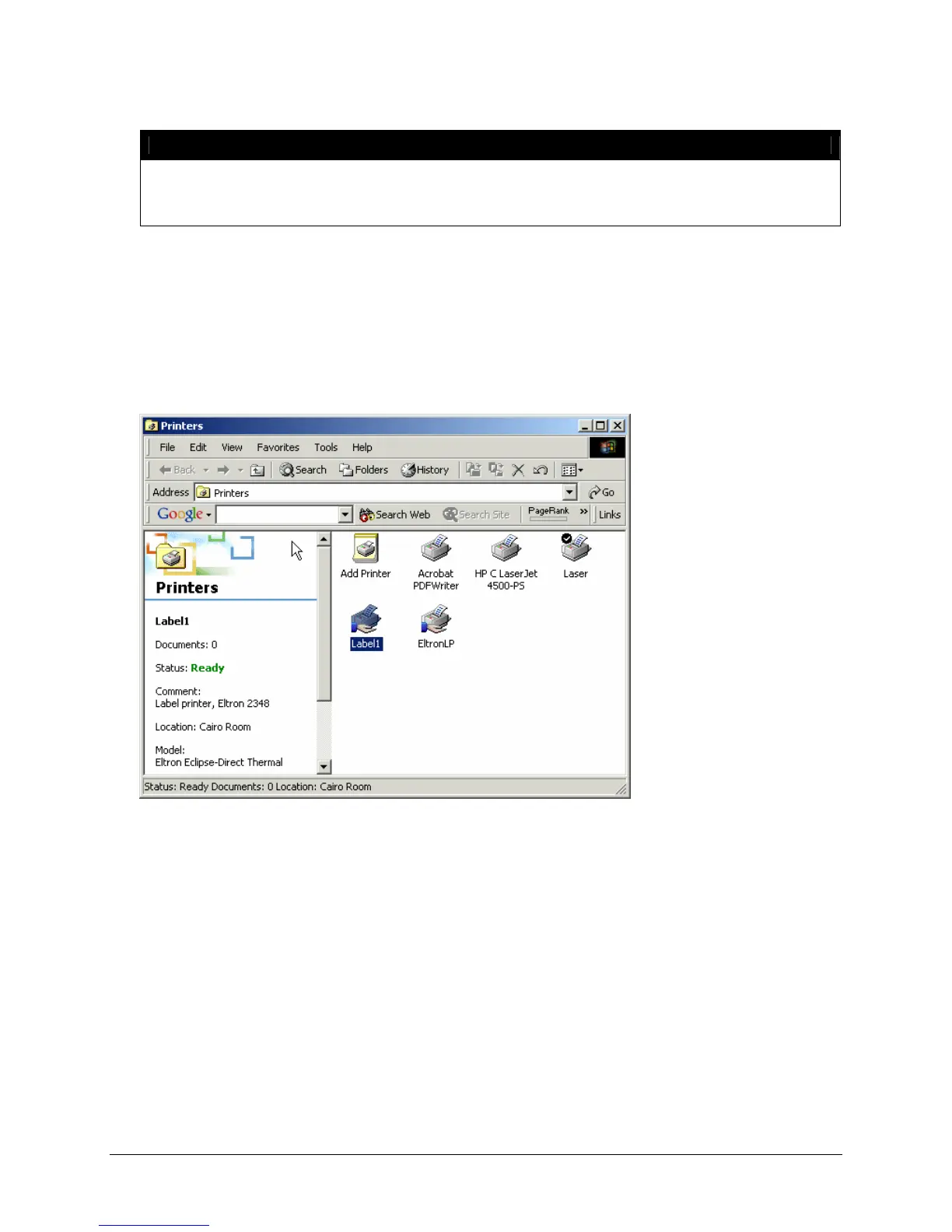
To add the FEDEXUSER account to allow FEDEXUSER print rights, select the printer you have installed
for FSMS from the Windows Printers window.
1. Right click on the printer to be configured. From the right-click menu, select Properties.
2. In the Properties window, select the Security tab. The following window is displayed:



 To Next Page