12
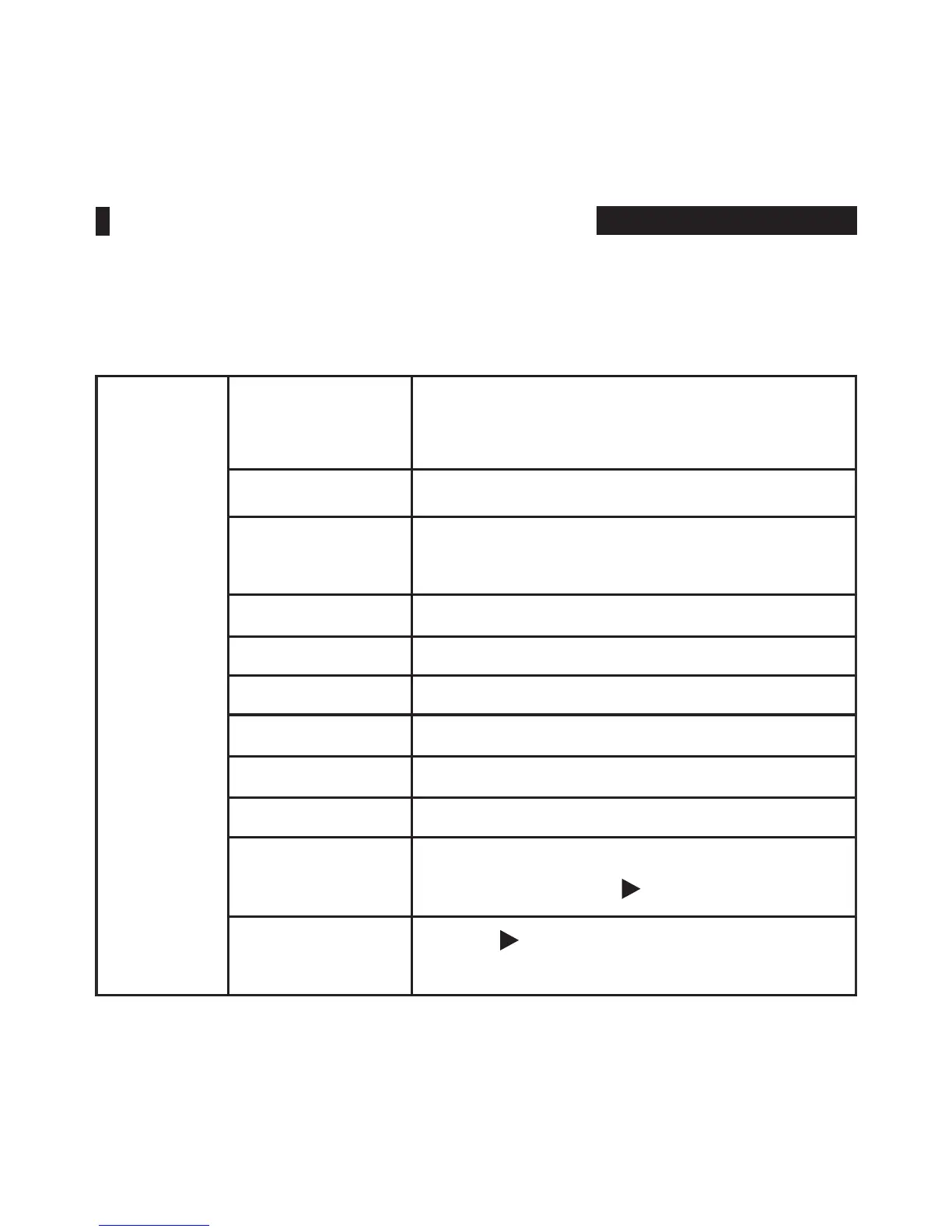
Setting
Language
English,
简体
中文 , E
spañol,
Português,
Français, Nederlands, Deutsch,
日本語
,
繁體中文
Aspect Ratio Auto, 4:3, 16:9, Just Scan, Panorama, P2P
No Signal
White Screen, Blue Screen, Red Screen,
Green Screen, Black Screen
OSD Trans. Off, Low, Middle, High
OSD H 0~100
OSD V 0~100
OSD Time Off, 10Sec, 20Sec, 30Sec
Backlight 0~100
Power On Auto., Manual
USB Upgrade
Copy the le to the U disk, connect the
USB cable, press “ ” button to conrm
Reset
Press “ ” button to conrm, back to
original setting
•
Setting
MENU FUNCTION INSTRUCTION



 To Next Page