4
•
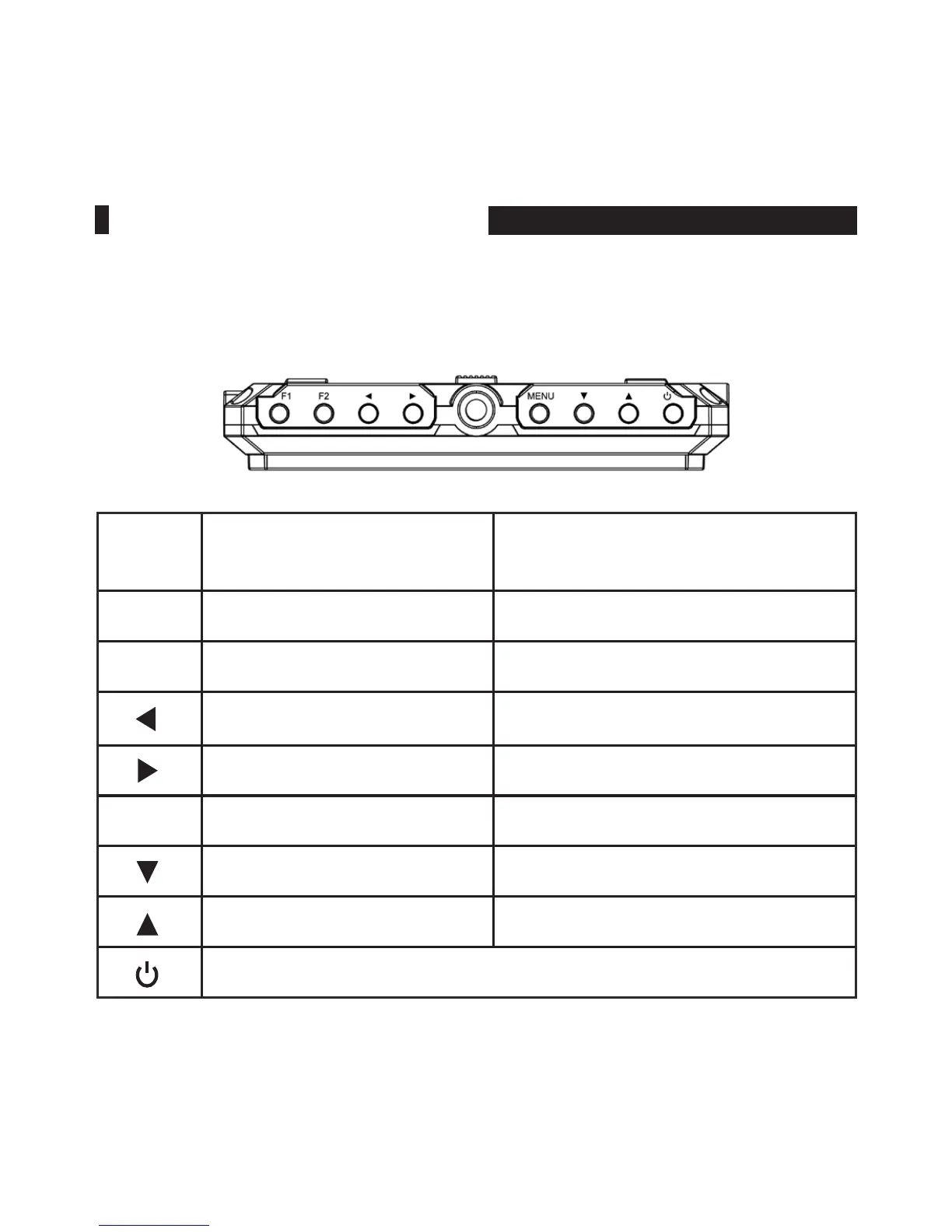
Button Instruction
Button
Function when OSD is not
displayed
Function when OSD is displayed
F1 Custom button 1 /
F2 Custom button 2 /
Volume reduction
Value adjustment of selected item
Volume increase
Value adjustment of selected item
MENU OSD Main menu display Back to previous OSD menu
/ Item selection of next menu
/ Item selection of previous menu
Power On/Off
PRODUCT DESCRIPTION



 To Next Page