15
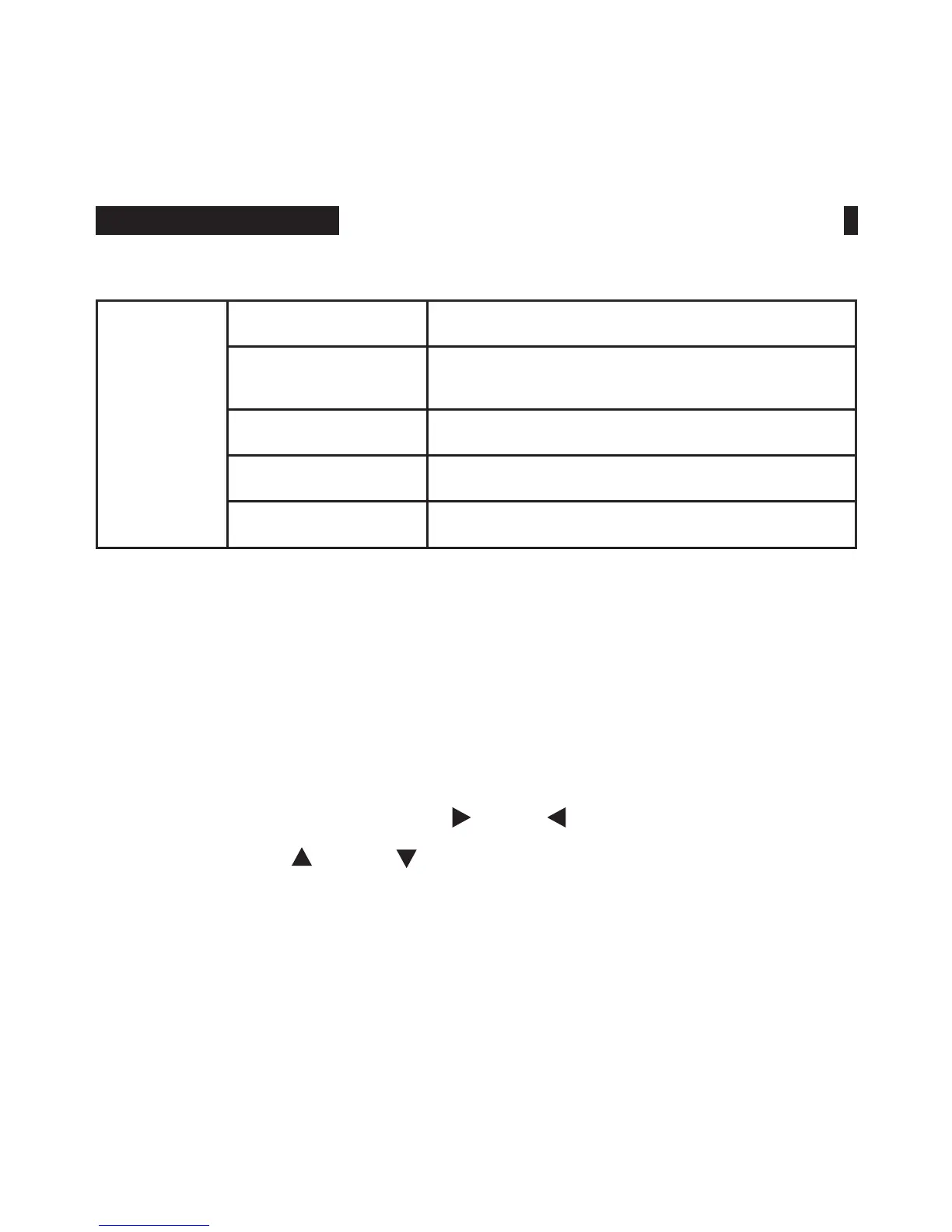
Function
Embedded Audio Off, On
Ratio Marker
Off, 4:3, 13:9, 14:9, 15:9, 16:9, 1.85:1,
2.35:1
Mark Color Red, Green, Blue, Black, White
Mark Width 1~7
Modied Mark 0~6
★
Users can self-dene maximum 2 shortcut keys F1 and F2 on
the panel.
For example: Choose “F” button on OSD menu, press “F1”
button to select, then press “ ” or “ ” button for more
items and use “ ” or “ ” to select one of them, e.g. “Focus
Assist” and press “MENU” button to conrm. After setting, you
can press “F1” directly on the panel to activate “Focus Assist”
function. Same way to set “F2” shortcut key.
•
Custom Button Setting F1~F2
MENU FUNCTION INSTRUCTION



 To Next Page