13
Troubleshooting
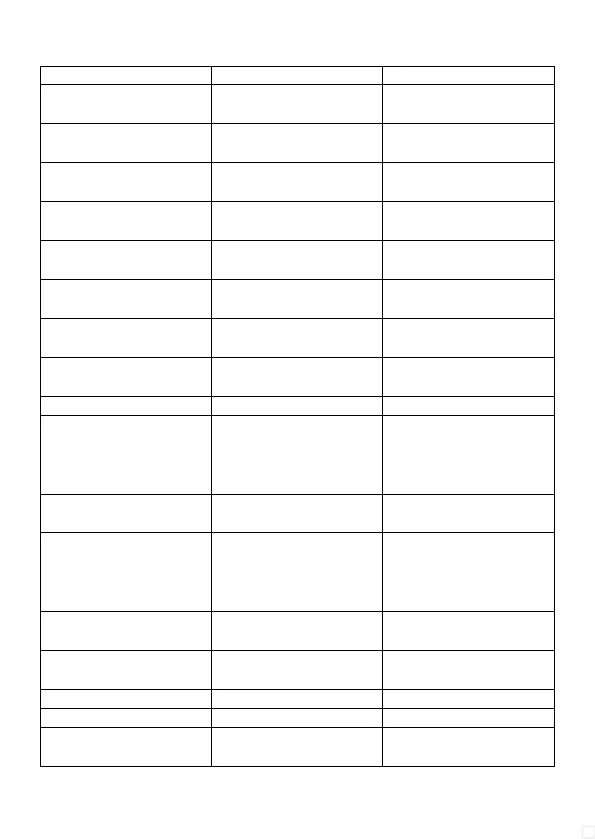
Problem Cause Solution
No picture, no sound / drop-
outs
HDMI cable too long use shorter HDMI cables < 5 m
No picture, no sound wrong HDMI input selected press button to switch to
correct HDMI input
No picture, no sound wrong format selected or HDMI
handshake failed
briefly unplug all units from the
mains and restart
No picture, no sound on Full-
HD Display
Player outputs 4k, default EDID
mode 4K 60Hz selected
connect TV to output 1 and
select EDID Copy mode
No sound on tv unsupported audio format
selected
Connect TV to output 1 and
select EDID Copy mode
No sound on tv unsupported audio format
selected
Listen to sound only via sound
system (e.g. for DTS, HD audio)
No sound on soundbar Output connected to HDMI-
ARC (output)
use regular HDMI Input on
soundbar (if available)
No sound on soundbar / Sonos Soundbar has no regular HDMI
input, only HDMI-ARC
Operate soundbar at the TV's
HDMI-ARC connector
No sound on AV-Receiver unsupported eARC activated switch off eARC on TV
No picture on Full-HD display
with 4k signal
1080p 50/60Hz resolution not
supported by display, maybe
only 1080i or 25Hz
Set lower resolution or refresh
rate on player or connect
Full-HD display to output 1 and
select EDID Copy mode
Incorrect colours on Full-HD
display
Player outputs Dolby Vision or
HDR10+ feed
switch off HDR on player
Incorrect contrast / picture
too bright or too dark on one
display
Different colour space setting Set the displays to the same
colour space, e.g. set both to
YUV colour space or to RGB
limited
Wrong picture contrast No usual home cinema player
connected, e.g. PC
use EDID Copy mode or adjust
display
No 3D video selectable 4K TV does not support 3D Connect 3D display to output 1
and select EDID Copy mode
No VRR / Freesync selectable HDMI 2.0 does not support it switch off VRR / Freesync
No 4K 120Hz selecteable HDMI 2.0 does not support it select 4K 60Hz
QHD monitor (1440p) displays
only Full-HD (1080p)
Scaler processes 2160p to
1080p for 4K feed
connect QHD monitor to output
1 and use EDID COPY mode



 To Next Page