Chapter 5. Installation
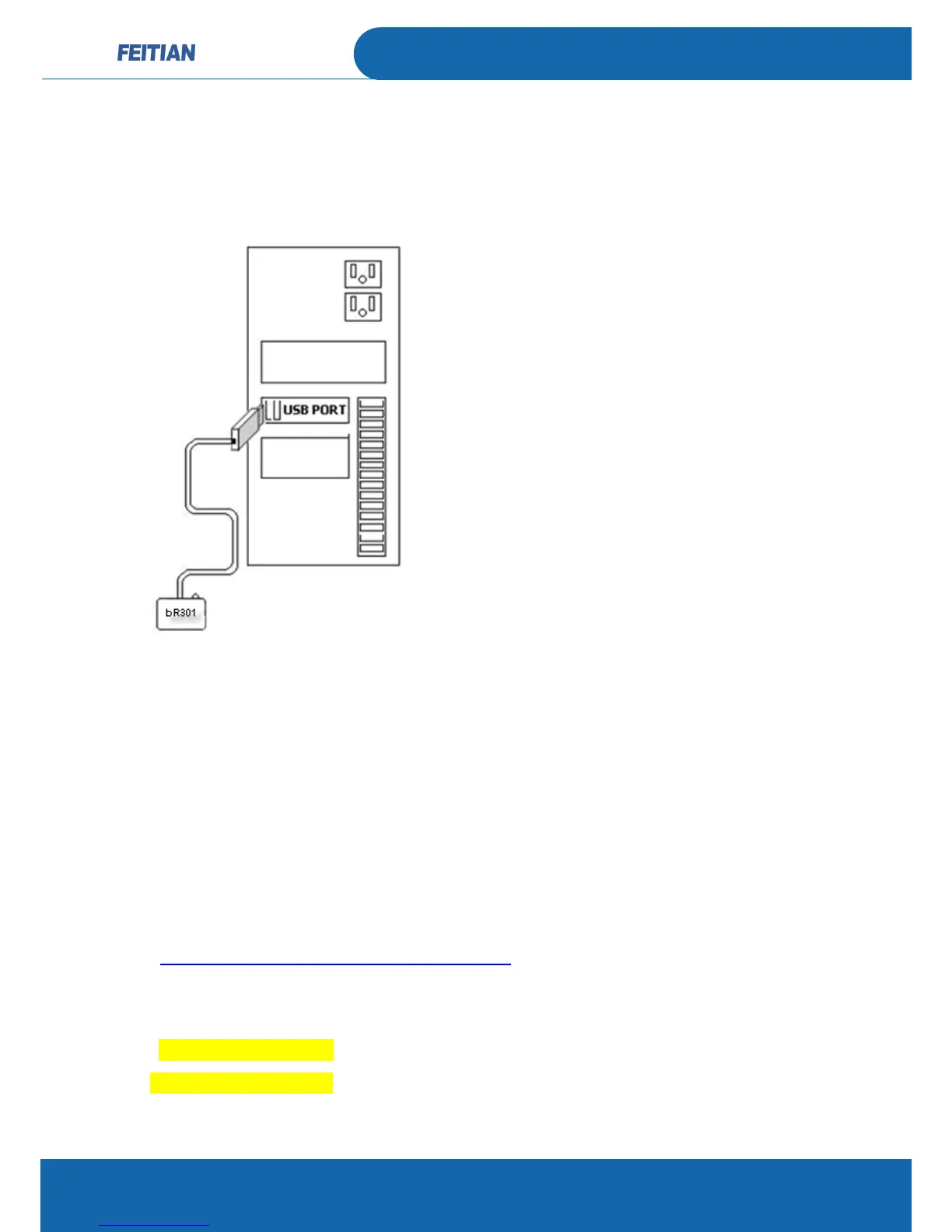
BR301 usage:
For Windows PC platform:
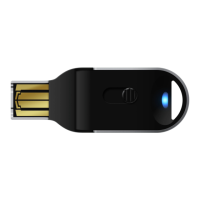
Plug in the reader to PC and insert the SMART card to the card reader(the driver
will automatic download from Microsoft website).
The test steps is below:
Customer can through WINSCARD API to commutate with bR301.
For LINUX and MAC OS X platform:
1. Please install CCID driver at first, the install steps please follow below website:
http://pcsclite.alioth.debian.org/ccid.html
2. Use lsusb command in terminal to list usb reader PID and VID, edit Info.plist
file to add VID and PID in it.
<key>ifdVendorID</key>
<string>0x096e</string>


 To Next Page