Guilin Feiyu Technology Incorporated Company
Guilin Feiyu Technology Incorporated Company www.feiyu-tech.com service@feiyu-tech.com
-2-
3. Check the port number in device manager .If the port number is more
than COM10 , please modify it to available number which is within
COM10 .
4.
Run
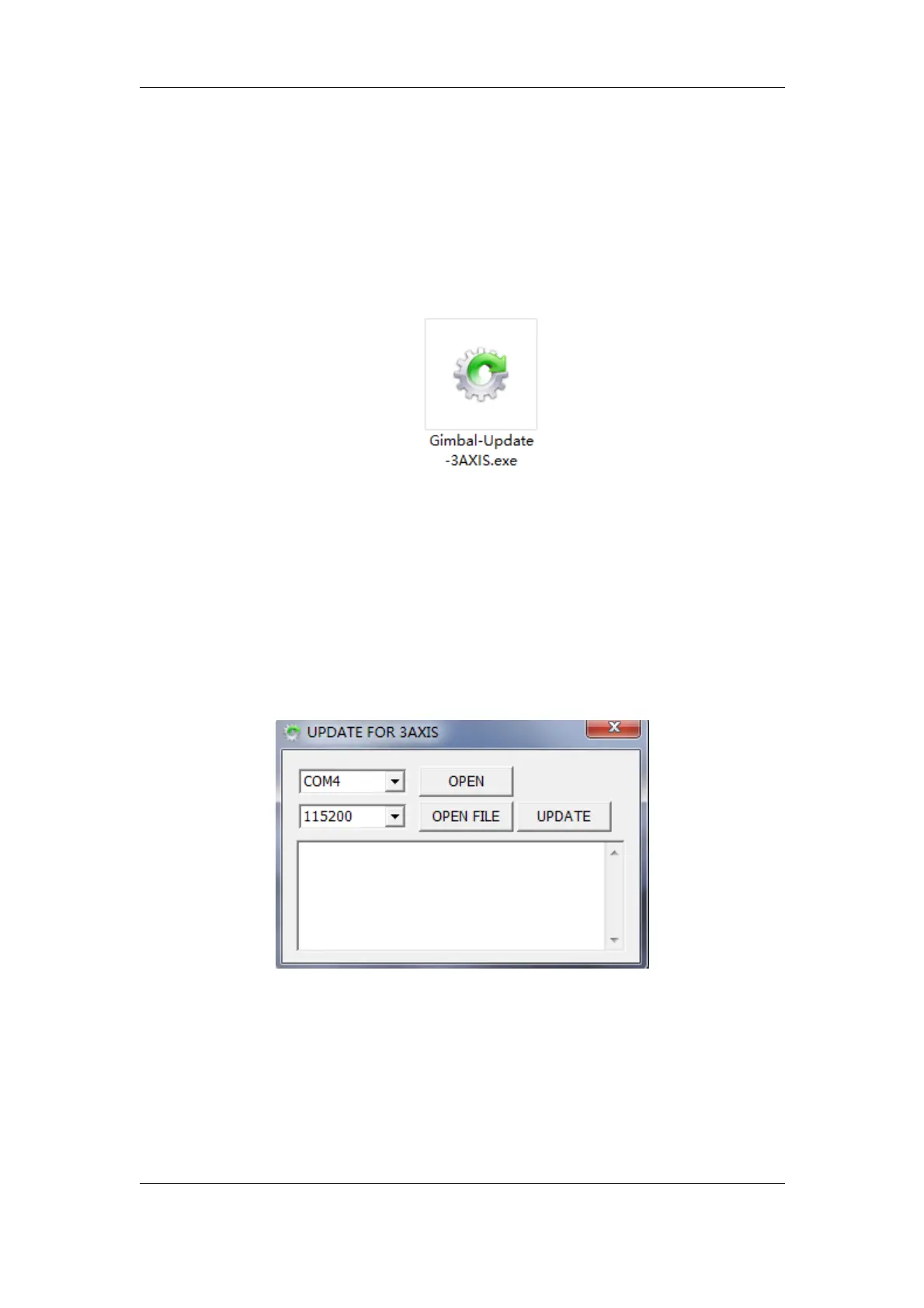
the software ---“Gimbal-Update-3AXIS” directly if you have a PC
with Windows XP/7/8/8.1 .
If you have a PC with windows10 operation system, please right click the
icon of the software ,choose “Trouble shoot compatibility”---”Try the
recommended settings”---”test program”, Run the upgrade software in
compatibility mode.
5. Software interface is shown in following picture:














 To Next Page