38
212UAB
% &
$
"! #
!
!
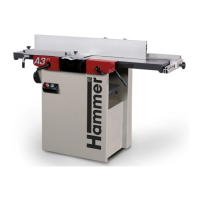
Planer-Thicknesser
A 941 / AD 941 / AD 951
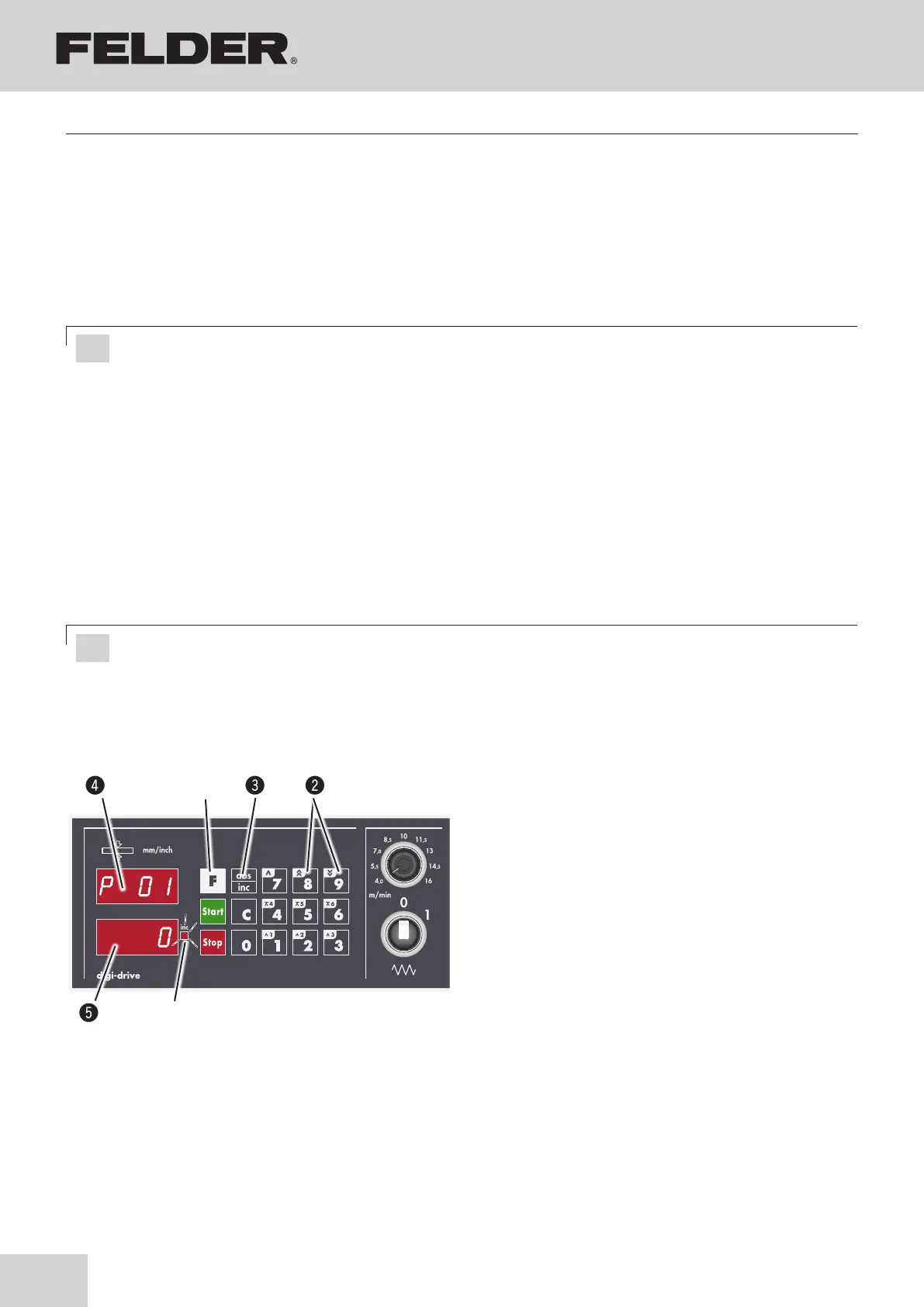
Fig. 8-14 mm/inch conversion
!F key
"key 8 / 9: Select parameter „P01“
#Save key (ABS>INC)
$Actual value display (Parameters)
%Set value display (0 --> mm 1--> inch)
&LED - Inc
8.9.5 Absolute positioning
• Enter the desired position with the numeric keys.
• Press the Start key to start positioning.
The thicknesser table moves to the desired position.
8.9.6 Incremental positioning
• Press the INC>ABS key to shift the control to incre-
mental measurement.
LED Inc lights: control works in incremental measure-
ment function.
• Input the desired traverse via the numbers pad.
• Press the Start key to start positioning.
8.9.7 Conversion mm/inch
The thicknesser table moves according to the given
value.
• The control mechanism remains in the incremental
mode until the ABS>INC key is pressed again.
• Press F key for about 5 seconds.
• ”REF” and the last calibration are displayed.
• With the keys 8/9: Select P01 parameter and press
the ABS>INC key.
• LED flashes.
• Input desired value.
0 --> mm 1--> inch.
• Save the parameter value with the ABS>INC key, the
next parameter will be displayed in the actual value
window.
• Exit parameter input with the F key or
the control system reverts to the operating mode after
a few seconds.
Making adjustments and preparations
Attention! First decimal place must be entered (e.g. 1-2-0-0 for 120 mm)!
Attention! First decimal place must be entered (e.g. 4-0 for 4 mm)!



 To Next Page