Need help?
Do you have a question about the Felicitysolar SCHM Series and is the answer not in the manual?
This manual describes the assembly, installation, operation and troubleshooting of this unit.
This manual provides safety and installation guidelines as well as information on tools and wiring.
This chapter contains important safety and operating instructions for using the unit and batteries.
Highlights the advanced MPPT technology, compatibility, and charging optimizations of the solar charge controller.
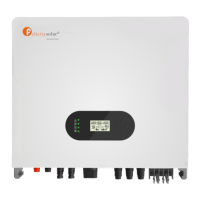
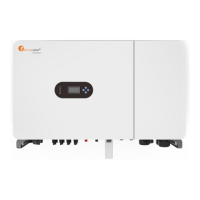
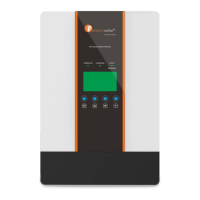
Identifies the main components of the controller, including indicators, buttons, and terminals.
Instructs users to inspect the unit upon arrival and lists the expected items in the package.
Details the step of removing the wiring box cover before connecting any wires.
Provides guidelines for selecting a mounting location, ensuring proper clearance and environmental conditions.
Explains how to connect power wires, recommended wire sizes, and overcurrent protection requirements.
Details how to connect the grounding terminal for safety and warns against bonding electrical negative to earth ground.
Explains the power-up sequence, battery connection requirement, and solar input effects on startup.
Describes the controller's front panel interface, including indicators, buttons, and the LCD display.
Explains the various icons displayed on the LCD, such as PV voltage, battery status, and fault codes.
Guides users on entering setting mode, navigating programs, and confirming selections via buttons.
Explains the three-stage charging algorithm: Bulk, Absorption, and Float stages.
Provides recommended and default parameter settings for various battery types like AGM, Flooded, and Lib.
Lists fault codes, their corresponding events, and recommended solutions for common issues.
Details electrical parameters such as maximum battery current, system voltage, and solar input voltage.
Outlines charging stages, temperature compensation, and charging curves for different models.
Covers product size, weight, operating temperature range, humidity, and enclosure rating.
 General
| Waveform | Pure Sine Wave |
|---|---|
| DC Voltage | 48V |
| AC Voltage | 230VAC |
| Frequency | 50Hz/60Hz |
| Max. PV Input Power | 4000W |
| Input Voltage (PV) | 120-450V |
| Communication | RS485 |
| Protection | Overload, Short circuit |
| Cooling | Intelligent Fan Cooling |

 To Next Page