EasyManua.ls Logo

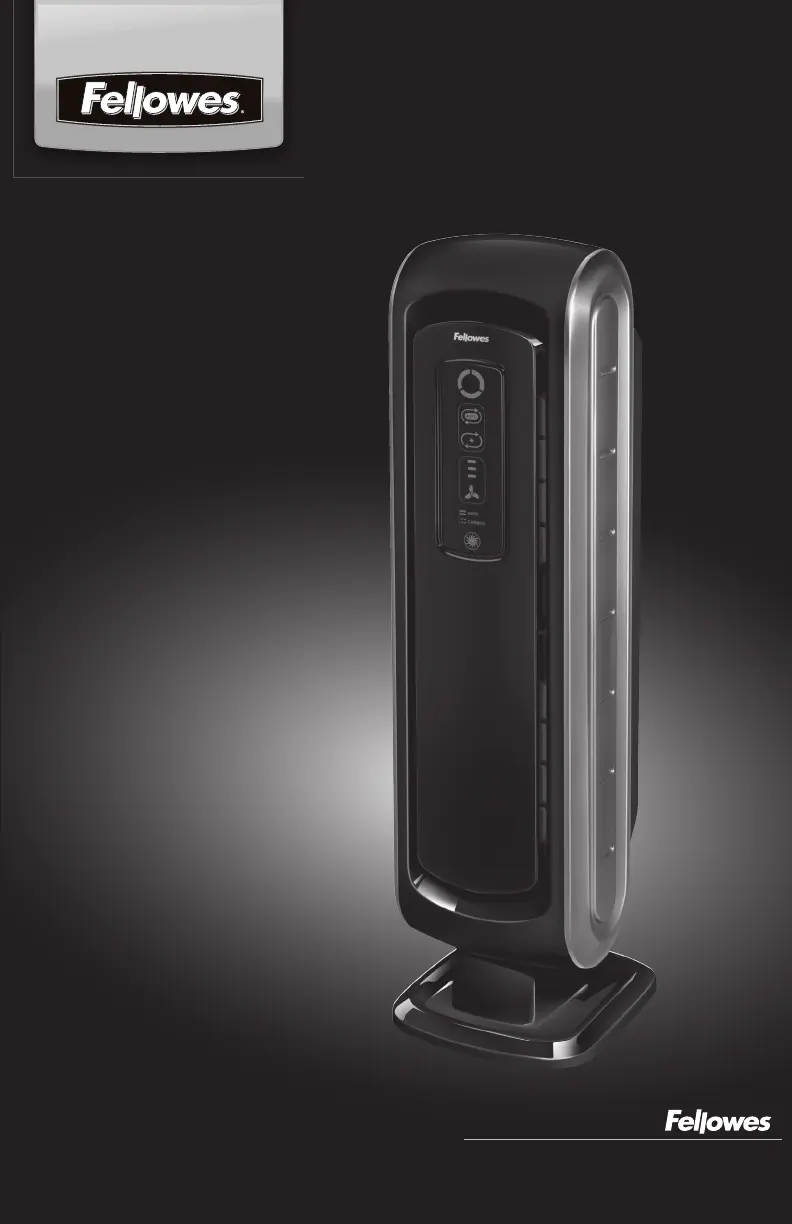
Fellowes AeraMax-90 - User Manual

Fellowes AeraMax-90
32 pages
Print Icon
To Next Page IconTo Next Page
Loading...
Quality Office Products Since 1917
Operator’s Manual
Please read these instructions before use.
Do not discard: keep for future reference.
AeraMax
90 Air Purifier
Purificateur d’air AeraMax
90
Purificador de aire AeraMax
90
Manual del operador
Lea estas instrucciones antes del uso.
No las descarte: consérvelas como
referencia futura.
Manuel de l’utilisateur
Veuillez lire ces instructions attentivement
avant d’utiliser le produit.
Conservez ce manuel à titre de référence.

Other manuals for Fellowes AeraMax-90

Questions and Answers

  • C
    Christopher MasonJul 28, 2025
    What to do if Fellowes AeraMax-90 Air Cleaner leaves smoke and odors in the air?
    • S
      Samuel MillerJul 28, 2025
      If your Fellowes Air Cleaner isn't eliminating smoke and odors, ensure the sensor isn't blocked. Try moving the unit closer to the source of the odors. You may also need to replace the filters.
  • C
    Chase MarshallJul 31, 2025
    What to do if True HEPA and Carbon Filter indicators remain lit after replacing the True HEPA and/or Carbon Filter in Fellowes AeraMax-90?
    • M
      Michelle SmithAug 1, 2025
      If the True HEPA and Carbon Filter indicators on your Fellowes Air Cleaner remain lit after you've replaced the filters, repeat the filter light reset instructions.
  • H
    Hannah HarrisAug 5, 2025
    How to turn on PlasmaTRUE™ icon on Fellowes AeraMax-90?
    • A
      Amanda CurryAug 5, 2025
      If the PlasmaTRUE™ icon on your Fellowes Air Cleaner is not illuminated, touch and hold the PlasmaTRUE™ icon for five seconds until the unit beeps.
  • E
    edward08Aug 10, 2025
    What to do if the wrong filter replacement light was reset on Fellowes AeraMax-90 Air Cleaner?
    • J
      jordanandersonAug 10, 2025
      If you accidentally reset the wrong filter replacement light on your Fellowes Air Cleaner, repeat the filter reset procedure within 5 minutes of the unintended reset. The filter counter and indicator will return to the status previous to the reset.
  • R
    Raymond BarnesAug 14, 2025
    Why does my Fellowes Air Cleaner make a faint ticking sound?
    • R
      Richard ThompsonAug 14, 2025
      If your Fellowes Air Cleaner makes a faint ticking sound, this indicates that the PlasmaTRUE™ function is working.
  • W
    William WilsonAug 18, 2025
    Why does my Fellowes Air Cleaner interfere with radio or television reception?
    • B
      Brenda WilliamsAug 18, 2025
      If your Fellowes Air Cleaner is interfering with radio or television reception, try these steps: 1. Adjust the television/radio antenna for better reception. 2. Move the air cleaner away from the affected device. 3. Plug the air cleaner's power cord into a different outlet than the television/radio.
  • W
    William MooreAug 22, 2025
    Why does my Fellowes AeraMax-90 produce odors?
    • M
      Michael FloresAug 22, 2025
      If your Fellowes Air Cleaner seems to be producing odors, you may need to replace the filters.

Summary

Safety Instructions

Important Cautions and Instructions for Using Your Air Purifier

Summary of essential cautions and instructions for safe operation of the air purifier.

Air Purifier Features

Four-Stage Purification System

Details the four stages of air purification, including HEPA and PlasmaTRUE technology.

Air Purifier Set-Up

Operation

Automatic Operation

Explains the default automatic mode where the unit senses and adjusts fan speed.

Manual Operation

Instructions for switching to and using manual fan speed selection.

Care and Maintenance

Replacement Procedure

Steps to remove and replace air filters, including resetting indicators.

Filter Replacement

When to replace HEPA and Carbon filters; use only brand filters.

Troubleshooting

Solutions to Common Problems

Provides solutions for common issues encountered with the air purifier.

Fellowes AeraMax-90 Specifications

General IconGeneral
CertificationUL, AHAM, CARB, AAFA
Air purify rate- m³/h
Number of speeds3
Suitable for room area up to18 m²
Suitable for room volume up to- m³
Clean Air Delivery Rate (CADR) (dust)65 m³/h
Clean Air Delivery Rate (CADR) (smoke)68 m³/h
Clean Air Delivery Rate (CADR) (pollen)75 m³/h
Filter cleaning indicatorYes
Control typeTouch
Product colorBlack
Housing materialPlastic
Weight and Dimensions IconWeight and Dimensions
Depth215 mm
Width184 mm
Height692 mm
Weight4508 g

Related product manuals