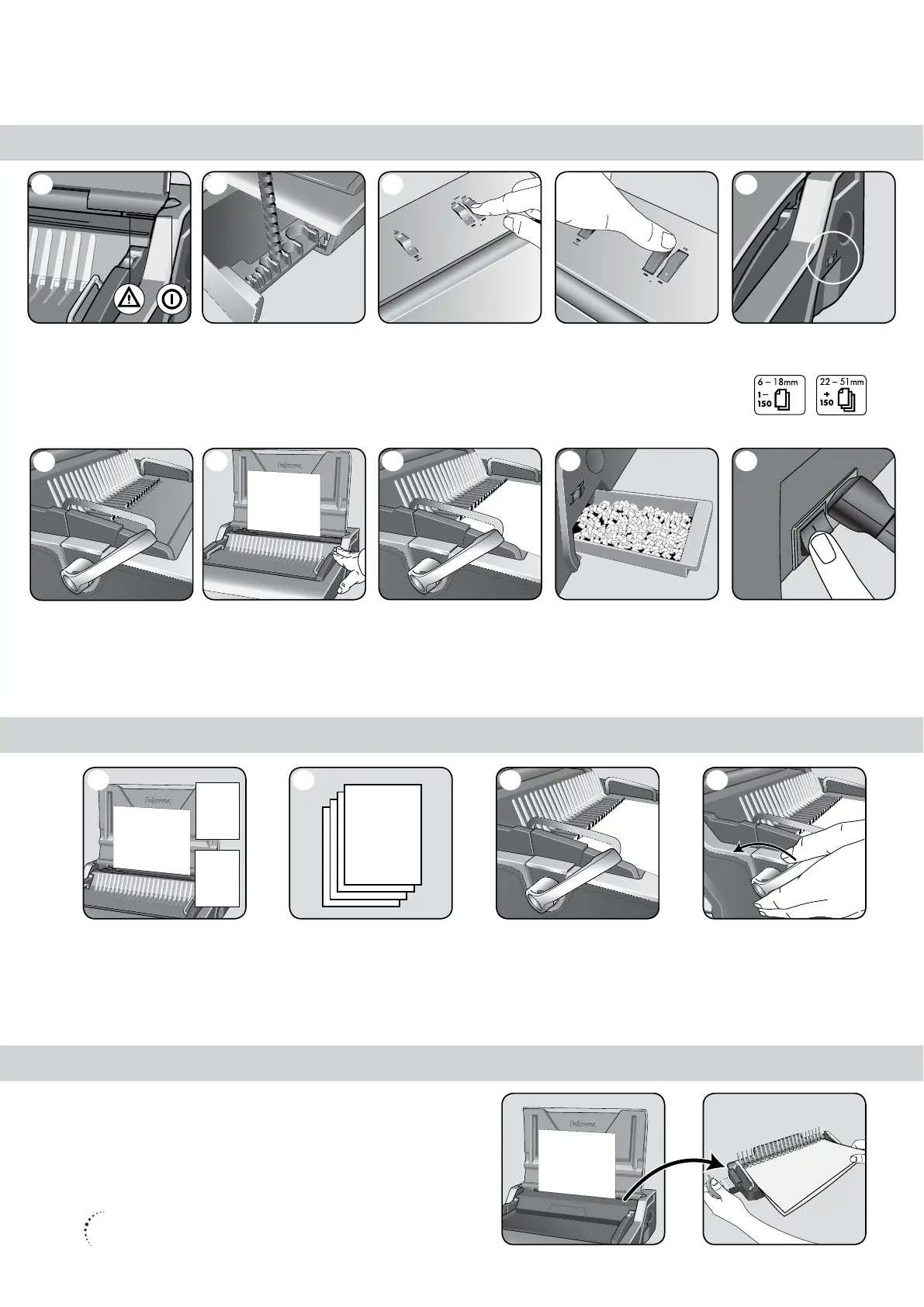
1. Check the green power
neon is on.
1
ENGLISH
4
STEPS TO BIND
3. Select the correct punch
profile for the sheet size. Select
releasable dies as appropriate
(holes 15, 20, 21).
3
4. To cancel a punch, press the
switch down at the back. Test
punch a sheet.
4
2. Select the correct comb
diameter using the storage tray.
2
6. Insert the plastic comb into
the opening mechanism. Pull
comb-opening lever forward
to open the comb.
7. Test punch scrap sheets to
check edge guide setting.
7
6
DOCUMENT BINDING
1. Ensure edge guide is set to
the proper document size. Punch
front and back covers first.
2. Punch sheets in small
batches that do not overload
the machine or the user.
Adjust edge guide, if necessary.
3. Load punched sheets directly
onto the opened comb. Starting
with the front of the document.
4. When all punched sheets are
loaded onto the comb, push the
comb lever backwards to close
the comb and remove the bound
document.
21 3 4
30
Back
Cover
Front
Cover
MAX 25
(75gsm)
9
8. Load punched sheets directly
onto the open comb.
8
9. Empty waste tray regularly
- ideally after each use.
REMOVABLE BINDING PLATFORM
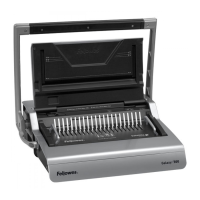
Galaxy has a unique mobile binding platform. The platform can be
lifted from the base and used on a stable surface to bind documents
using the normal binding procedure and also allows different users to
work together. When not in use, the platform should be stored safely
in the punch machine.
5
5. Select the correct back margin
depth for number of sheets.
10
10. Switch off the machine.
®
Satellite
SYSTEM





 To Next Page